Stop Chasing Graphics: The Assetto Corsa Performance Guide for Faster Lap Times
assetto-corsa-performance-guide-for-faster-lap-times
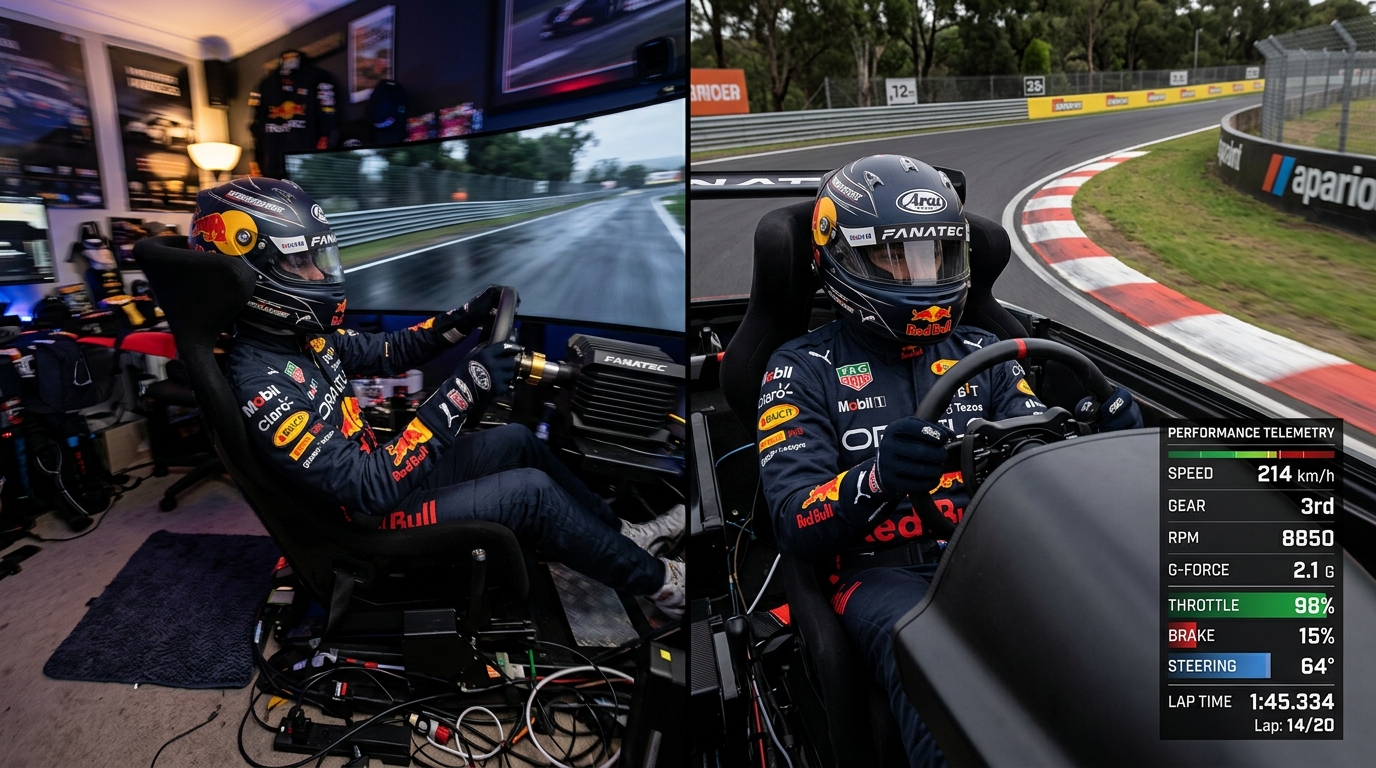
Maximize your Assetto Corsa performance for 2024. This guide covers Content Manager, CSP, and Pure settings to boost FPS and reduce input lag for more consistent lap times.
Why Frame Rate is the Most Important 'Car Setup' You'll Ever Do
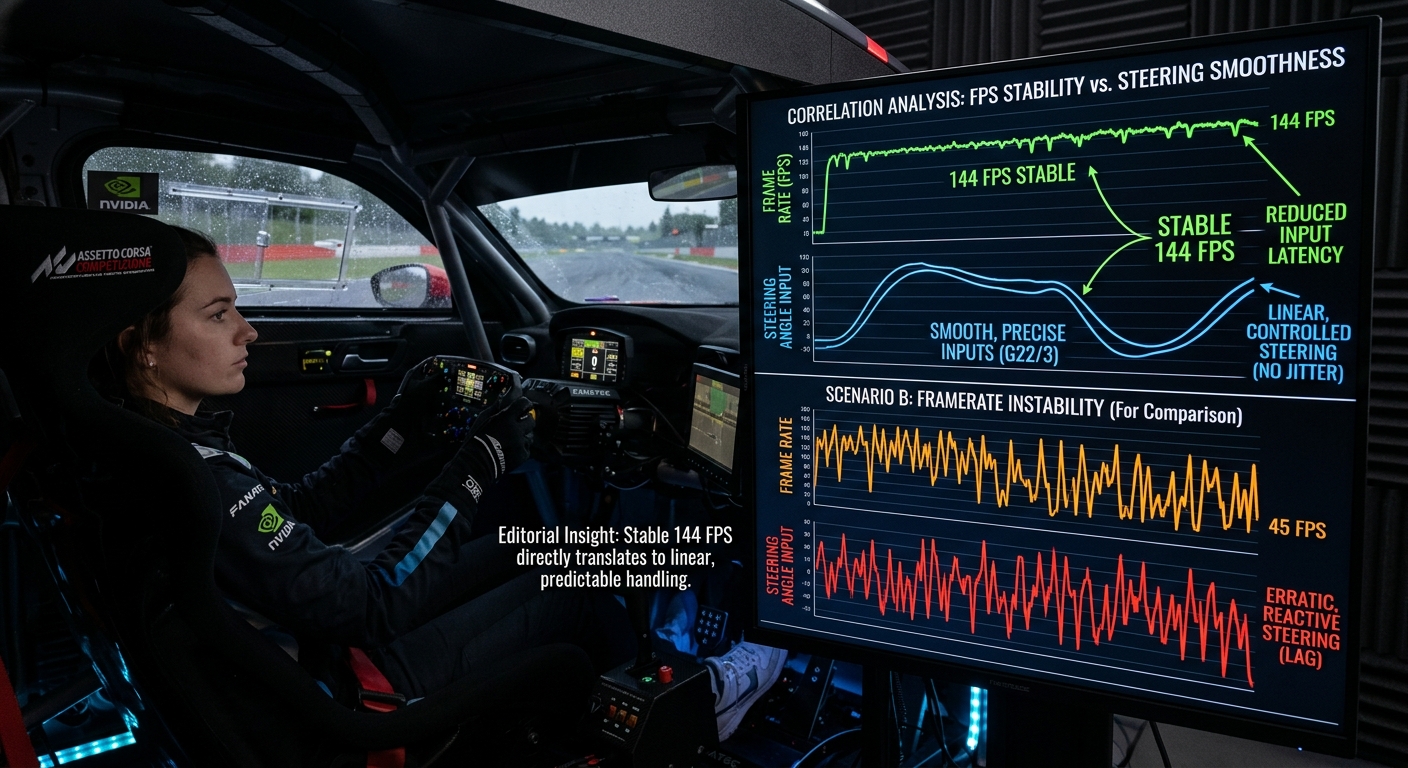
The Link Between FPS and PhysicsIn Assetto Corsa, your frame rate isn't just about how smooth the game looks; it directly impacts the physics polling and your system's latency. Higher FPS allows your brain to process visual cues faster, making it easier to identify the exact moment to transition from braking to turning.Eliminating Input LagSystem latency is the hidden enemy of consistency. When you turn the wheel, any delay before the car reacts on screen forces you to guess the grip levels. To combat this, ensure you are utilizing NVIDIA Reflex or Low Latency Mode in your GPU settings. Reducing visual 'noise' like heavy motion blur and post-processing depth of field can also clarify your view of the racing line, leading to more repeatable lap times.
The 2024 Essential Mod Stack: Content Manager, CSP, and Pure
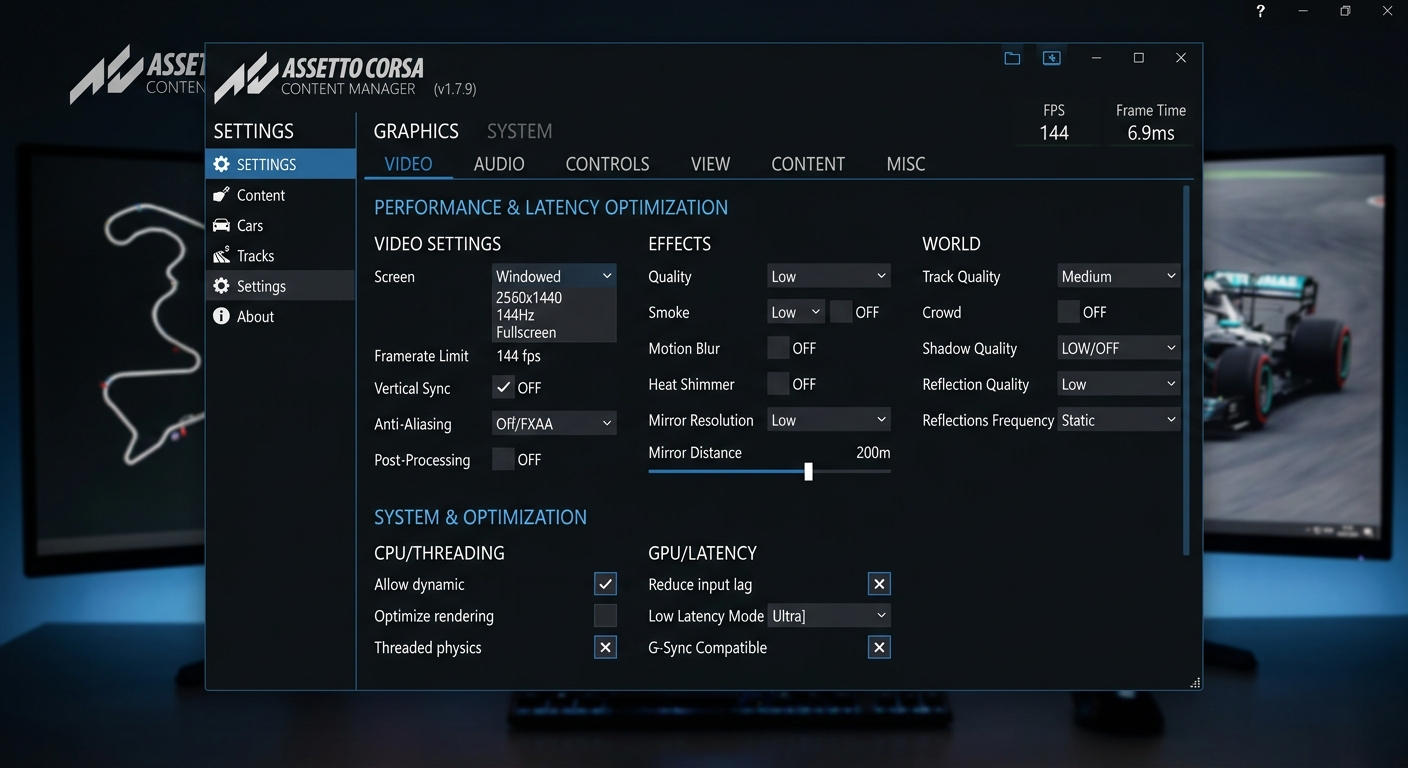
Optimizing for Racing vs. PhotographyThe modern Assetto Corsa experience relies on Content Manager (CM), Custom Shader Patch (CSP), and Pure. However, the default 'Max' settings are often designed for screenshots, not racing. Within CSP, features like Extra Effects (Ambient Occlusion and Local Reflections) are massive GPU hogs that offer little benefit during a door-to-door battle.Pure vs Sol PerformanceWhile Sol was the standard for years, Pure offers a more modern and often more efficient weather engine. For those on mid-range hardware, using Pure's high-quality skyboxes without the performance-heavy 3D clouds can provide a significant FPS boost while maintaining visual clarity. Focus on the General Patch Settings and CPU Optimizations in CM to ensure your processor isn't bottlenecking your racing experience.
FAQ
What is the difference between Pure and Sol for performance?
Pure is a more modern weather engine that utilizes high-quality 2D skyboxes, which are often more performance-efficient than the complex 3D cloud systems found in Sol, providing better FPS for most users.
How do I fix stuttering in Assetto Corsa VR?
To fix VR stuttering, disable 'Extra Effects' in CSP, use FSR or DLSS for upscaling, and ensure your VR headset's refresh rate matches a sustainable FPS target (e.g., 90Hz for 90 FPS).
Will lowering graphics settings actually make me faster?
Yes. Higher frame rates reduce input lag, which allows you to react to the car's slide or weight transfer more quickly, leading to better car control and consistency.
What are the most demanding CSP settings?
The most demanding settings are Grass FX, Extra Effects (specifically SSR and HBAO+), and high-resolution mirrors. Turning these down can significantly boost your racing performance.
Why does my Assetto Corsa crash after installing mods?
Crashes are usually caused by version mismatches between CSP and the mod, or insufficient VRAM. Ensure you are using the 'Recommended' CSP version and try lowering texture resolution.
Turn Your Performance Into Data
Once your sim is running smoothly and your frame rate is locked, it's time to see the results. Upload your telemetry to RaceData AI to analyze how much time you've gained through smoother inputs and improved visual timing. Start your journey toward professional-grade consistency today.