Hidden Performance: Mastering Electronics in iRacing Fixed Setup Series
iracing-fixed-setup-electronics-guide
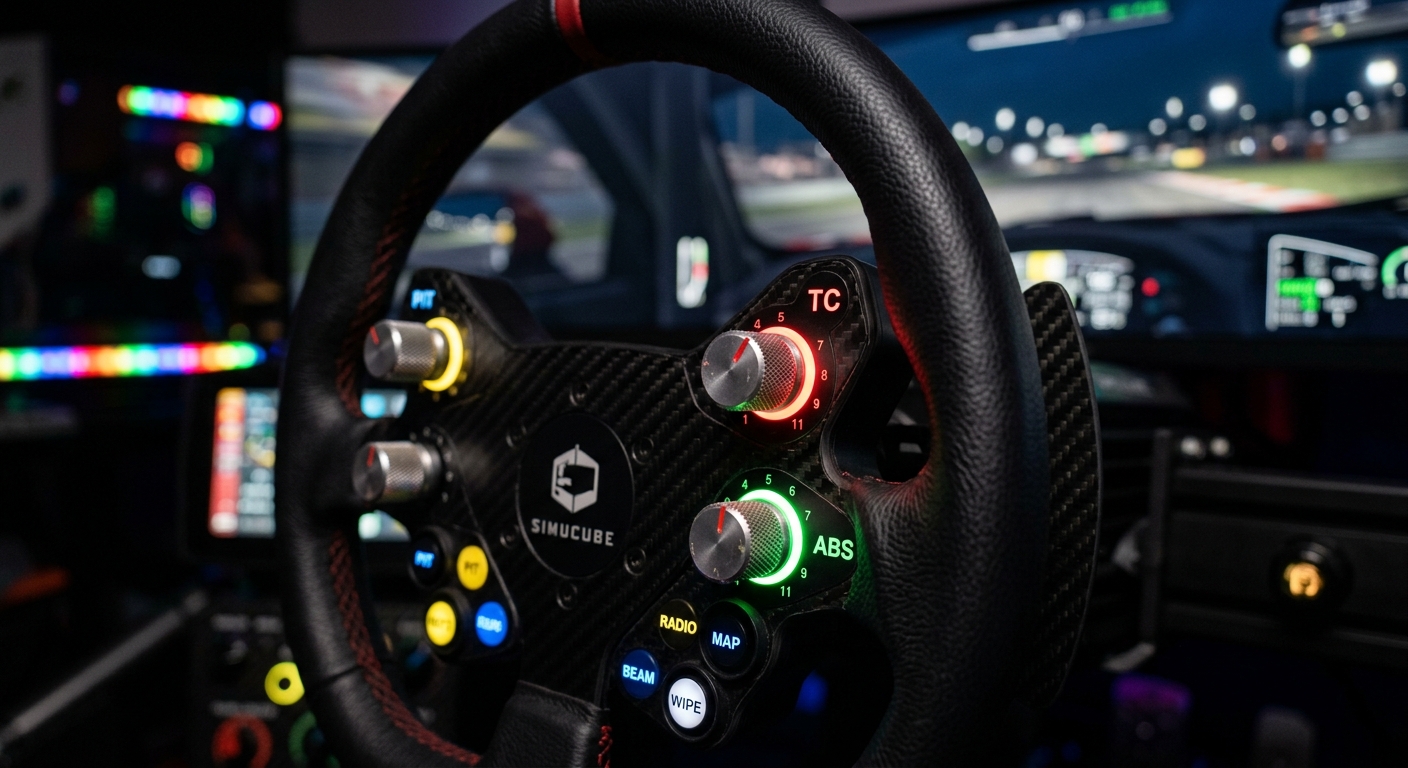
Learn how to optimize Traction Control, ABS, and Brake Bias in iRacing fixed setup series to improve consistency, manage tire wear, and find hidden lap time performance.
Why iRacing Leaves Electronics Open in Fixed Series
The term Fixed setup often leads drivers to believe every aspect of the car is locked. However, iRacing leaves electronics open because they are highly dependent on individual driving styles and hardware. While the springs and aero are set, how the car handles torque and braking force is up to you. Traction Control is your primary tool for managing corner exit. While a high TC setting prevents spins, it often cuts engine power too aggressively, leaving time on the table. By finding the lowest TC setting you can handle, you maximize acceleration. Telemetry is the best way to see exactly when the car is intervening, allowing you to dial in a setting that balances safety with raw speed. Lowering TC as you get comfortable can find you tenths of a second in exit speed alone.
ABS and Brake Bias: Managing Stopping Power and Heat
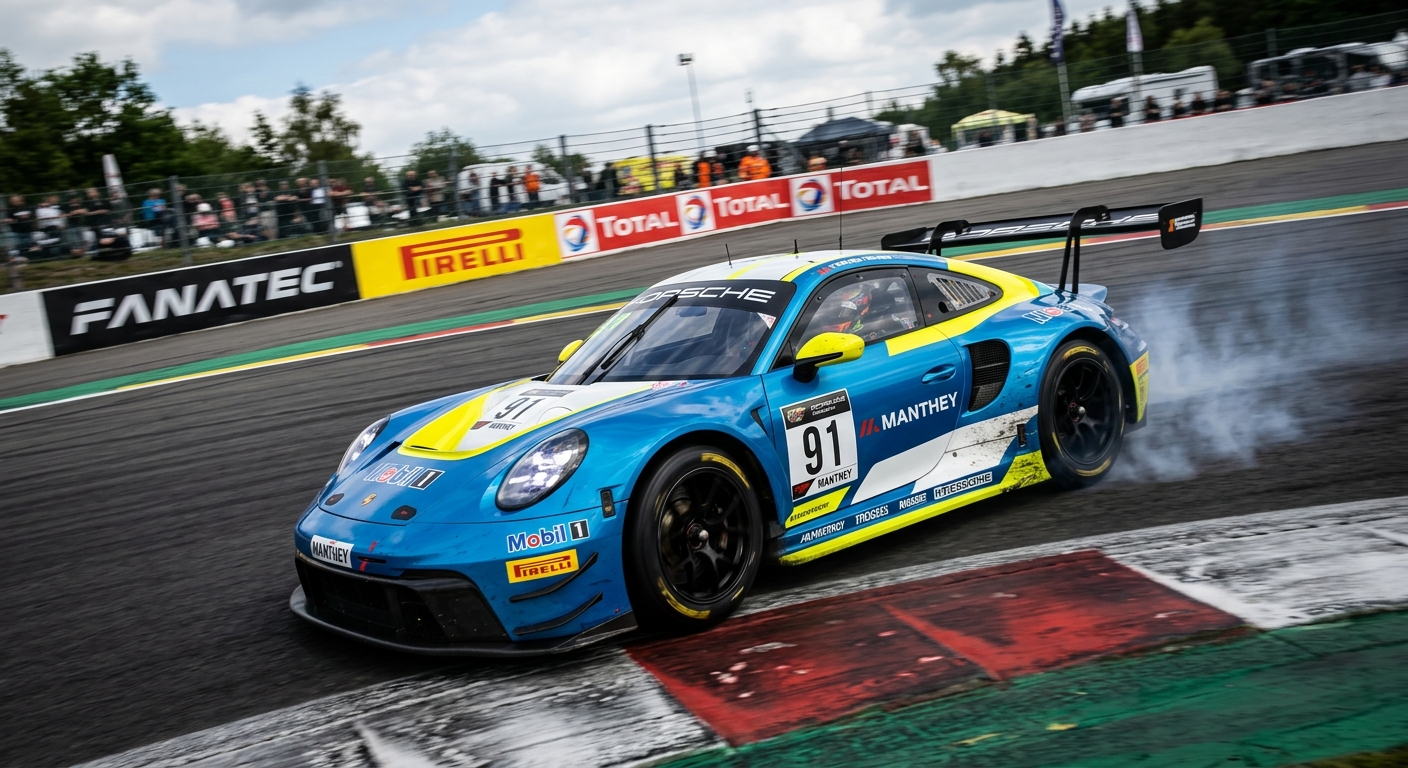
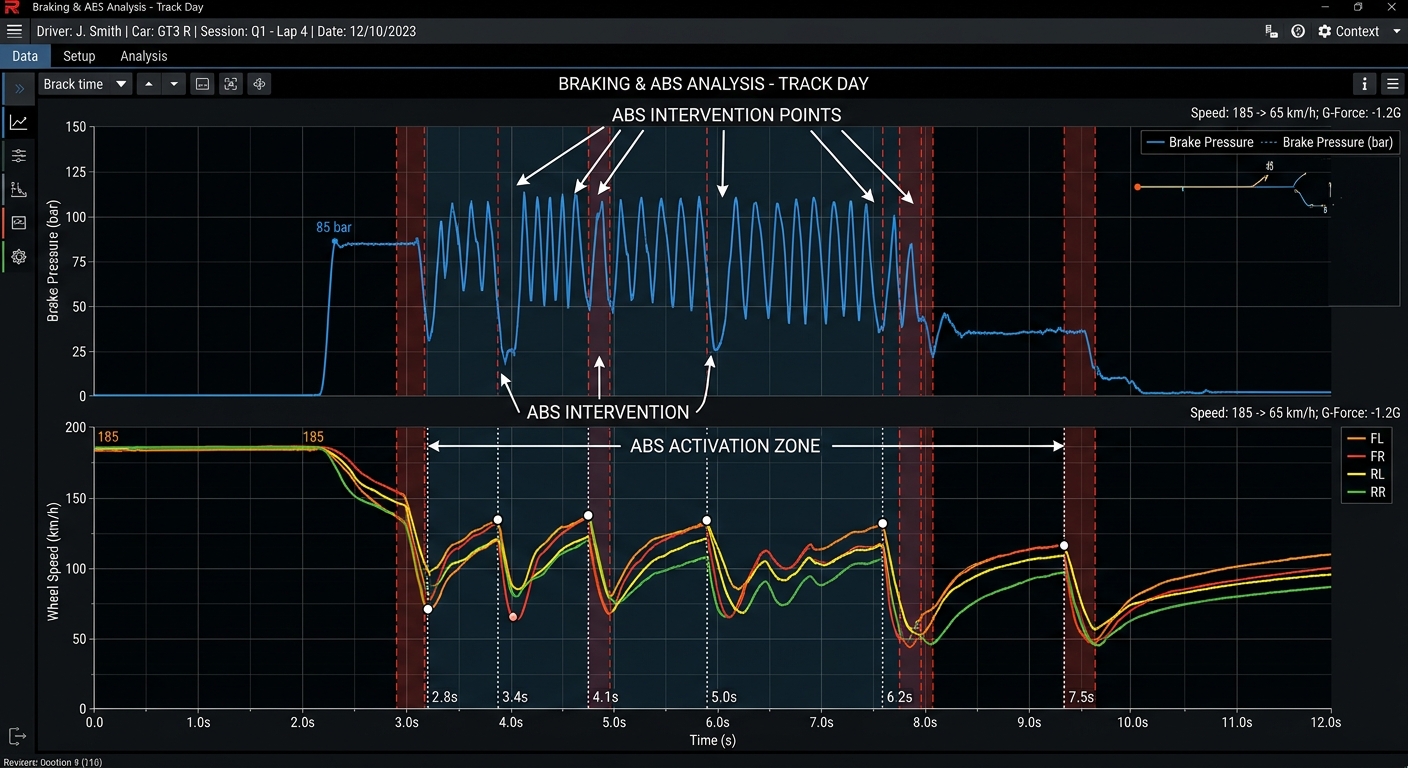
Brake Bias and ABS are vital for maintaining pace throughout a race stint. Brake Bias determines the ratio of stopping force between the front and rear wheels. In fixed series, moving bias rearward helps the car rotate into corners, while moving it forward provides stability under heavy braking. As front tires wear or track temps rise, adjusting this mid-race is essential for consistency. ABS prevents wheel lock-ups, but like TC, it can be over-intrusive. If you feel the pedal vibrating excessively, you are likely triggering the ABS too hard, which generates tire heat and increases stopping distances. Analyzing your brake pressure traces against wheel speed data in telemetry reveals if your ABS is working too hard, helping you refine your footwork or adjust the bias for better efficiency.
Mid-Race Adjustments and Essential Button Mapping
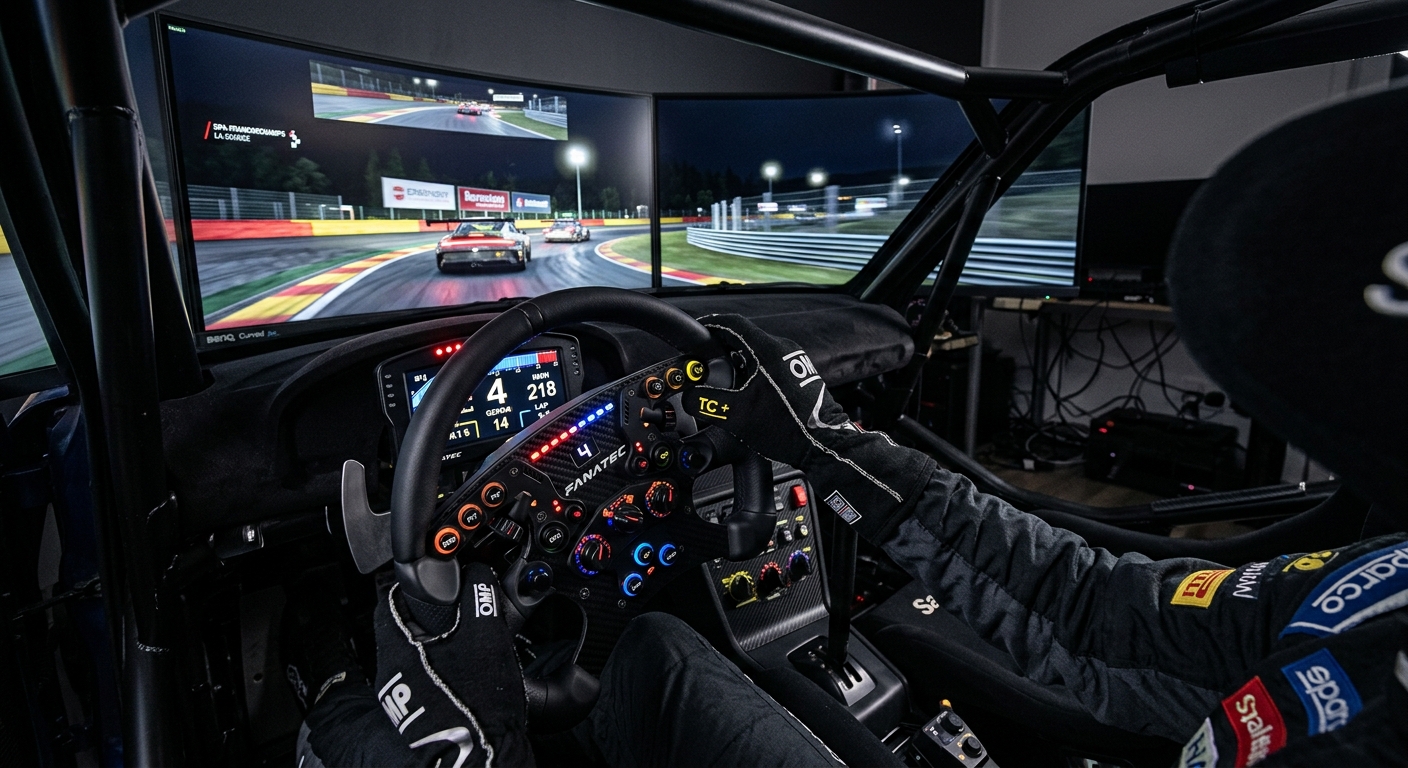
To master electronics, treat them as dynamic tools. As fuel loads drop and tires degrade, the balance of the car shifts. Mapping TC and Brake Bias to rotary encoders or buttons on your wheel allows for adjustments on the fly. For example, as rear tires lose grip in a GT3 or GT4 car, increasing TC by one click can stabilize the car and save tires for the final laps. RaceData AI allows you to visualize these moments by highlighting torque-cut events in your telemetry. By reviewing your stints, you can identify corners where electronics are hindering exit speed, helping you decide whether to change your driving technique or adjust settings for the next lap. Proper button mapping ensures these changes become second nature during the heat of battle.
FAQ
Why is Traction Control adjustable in iRacing Fixed series?
Electronics are considered driver aids that depend on individual hardware and driving style preferences rather than the car's mechanical setup.
Does a higher TC setting make me slower?
Generally, yes. High TC settings cut engine power more aggressively to prevent wheelspin, which can significantly hurt your acceleration out of corners.
How do I know if my Brake Bias is set correctly?
If the car feels too stable and won't turn in, move bias rearward. If the rear end feels loose under braking, move it forward.
Can I change these settings while driving?
Yes, it is highly recommended to map these functions to your wheel buttons or encoders for real-time adjustments as tires wear.
How does telemetry help with electronics management?
Telemetry shows torque-cut data and wheel speed differences, revealing exactly when and where TC or ABS is slowing you down.
Optimize Your Electronics with RaceData AI
Stop guessing your settings. Upload your next iRacing stint to RaceData AI to visualize exactly where your Traction Control is kicking in and preventing optimal corner exit acceleration.