Mastering the Slide: How to Optimize Your Assetto Corsa Setup for Drifting and Car Control
master-assetto-corsa-drifting-setup-guide
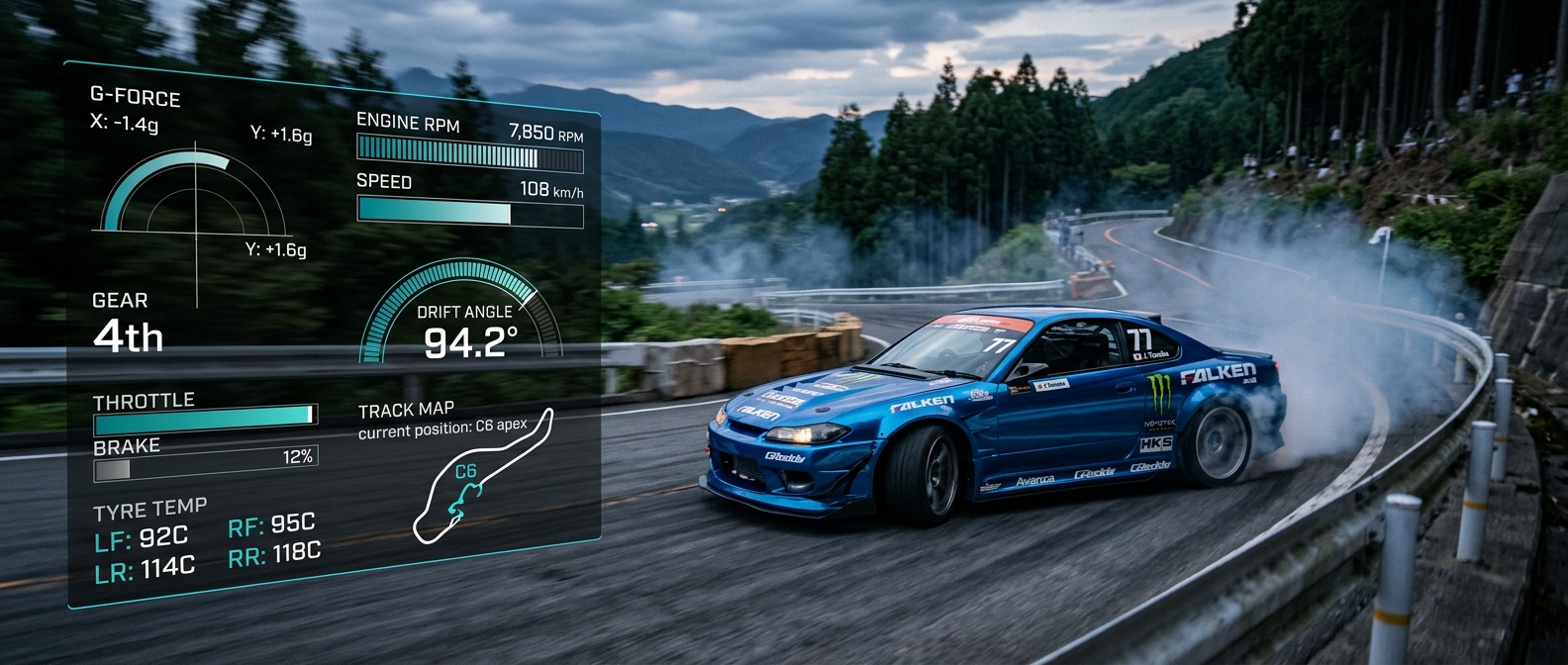
Learn how to master the transition from soft-body physics to Assetto Corsa. Optimize your Logitech G29 setup and use telemetry to perfect your drift control and consistency.
The Physics Gap: Why Moving Between Sims Feels Different
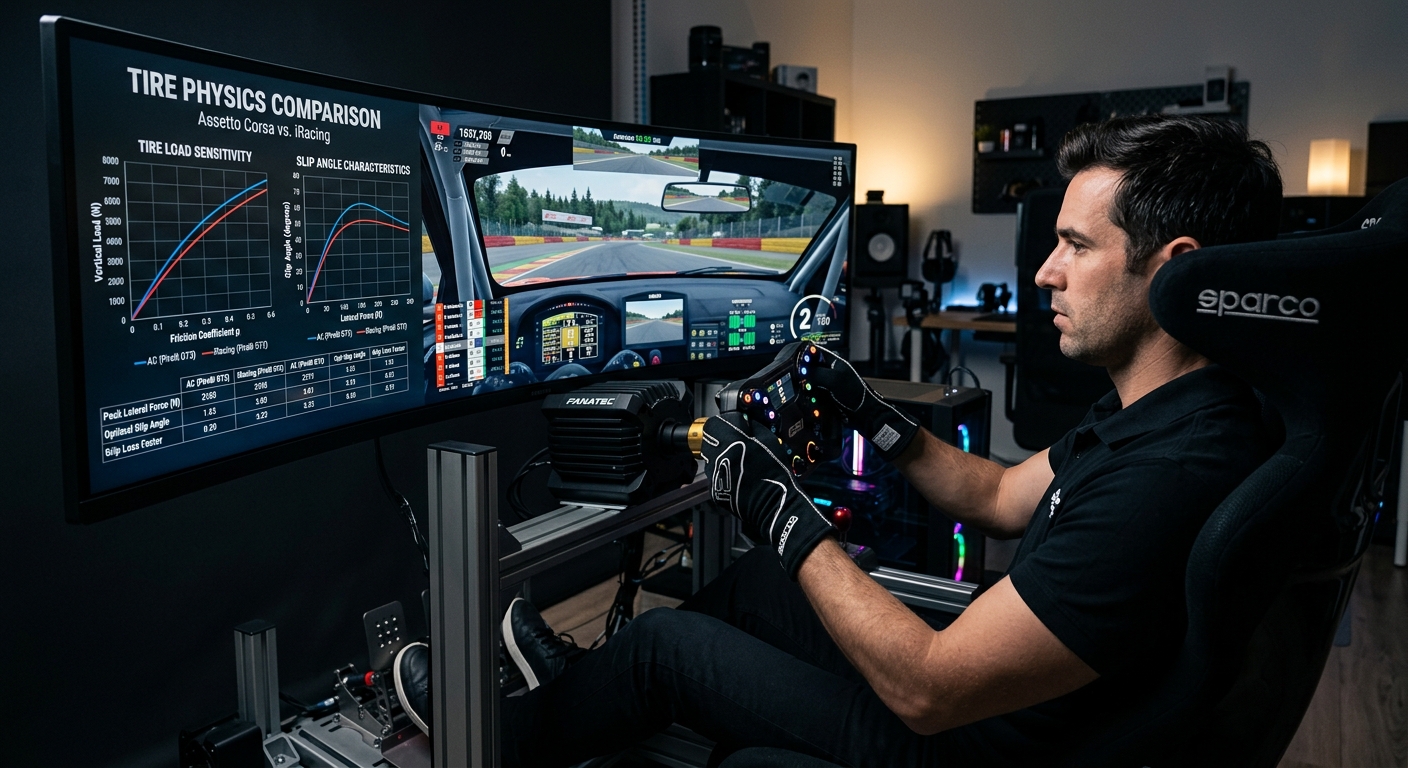
Transitioning from the soft-body physics of BeamNG to Assetto Corsa often results in a significant learning curve. While BeamNG excels at simulating chassis flex and structural deformation, Assetto Corsa focuses intensely on tire slip curves and weight transfer dynamics. Drivers must adjust their expectations, moving away from relying on visual chassis feedback and toward interpreting tire load and force feedback. Mastering this transition requires a shift in how you perceive tire grip at the limit, especially when entering high-angle drifts where the tire model behavior differs significantly between simulation engines.
Drift Setup Fundamentals: Beyond the Stock Tune
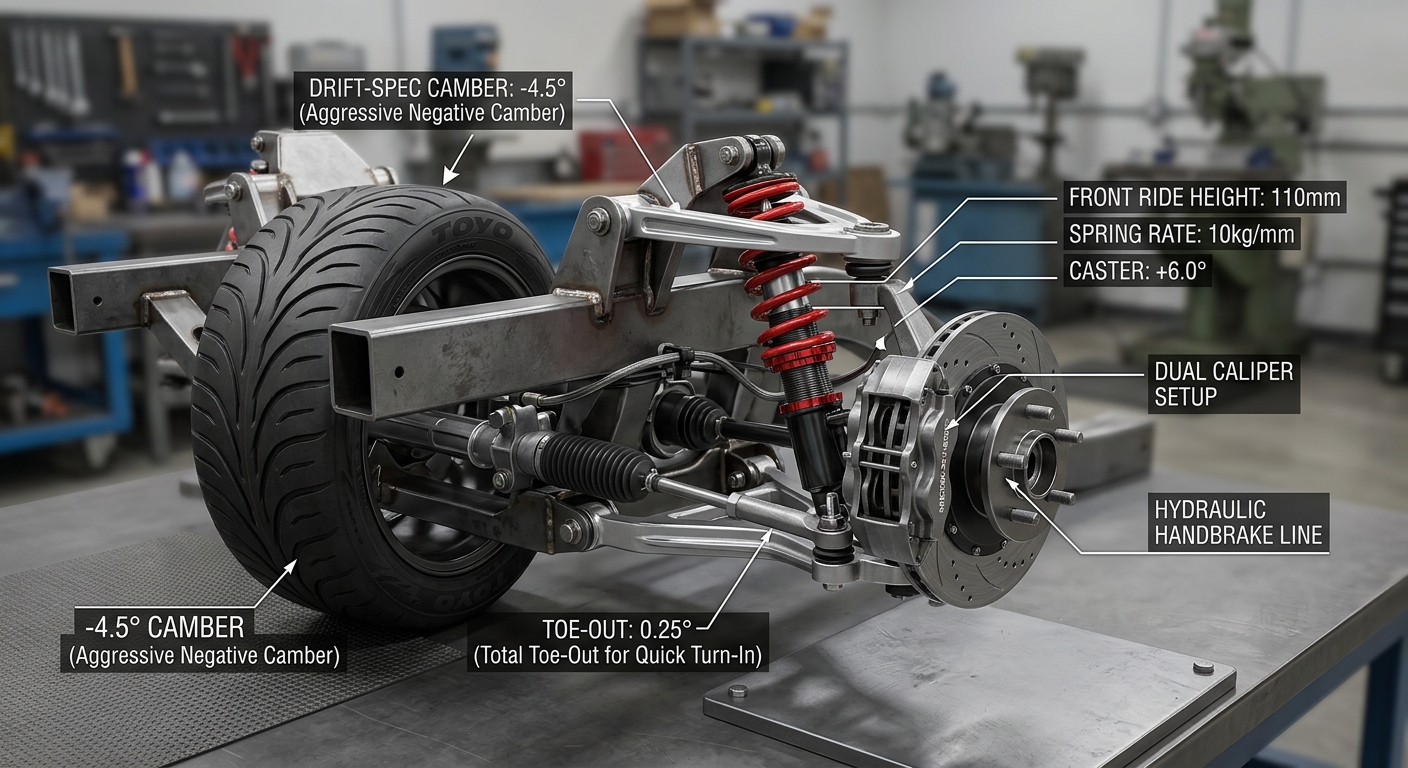
A successful drift setup in Assetto Corsa relies on balancing stability and rotation. For drivers using entry-level hardware like the Logitech G29, specific adjustments are necessary to compensate for the gear-driven feedback. Start by increasing front negative camber to maintain a larger contact patch during counter-steer. Reducing rear tire pressure can provide a more predictable breakaway, while adjusting the toe-out in the front improves turn-in response. Most importantly, implementing a custom LUT file for your Logitech wheel helps linearize force feedback, ensuring that the self-steer torque feels natural rather than notched or delayed.
Data-Driven Drifting: Analyzing Slip Angle and Counter-Steer
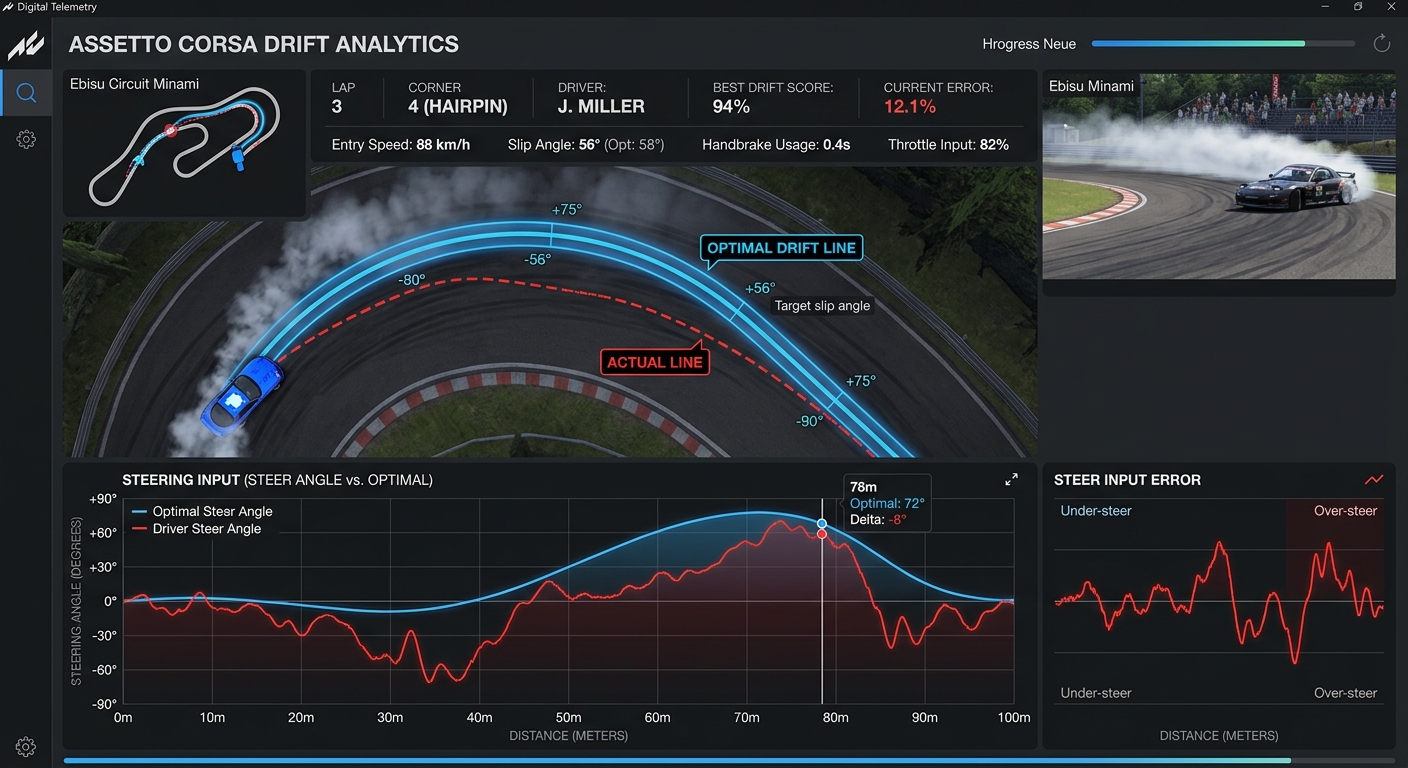
Consistency is the hallmark of a professional drifter, and telemetry is the primary tool for achieving it. By using RaceData AI to monitor your steering rack speed and throttle modulation, you can identify precisely where a drift goes wrong. If your steering angle is jerky in the data, it indicates a lack of weight transfer control. Smooth throttle application, visible as a progressive curve in the telemetry dashboard rather than a series of spikes, allows for much finer control over the radius of your slide. Analyzing these metrics ensures that your transitions remain fluid and your entries stay stable.
FAQ
Why does drifting feel harder in Assetto Corsa than BeamNG?
Assetto Corsa uses a hard-body physics engine that prioritizes tire-to-surface interaction over chassis flex, requiring more precise throttle control to maintain slides.
How can I fix the deadzone on my Logitech G29 for drifting?
Use a custom LUT (Look Up Table) file to linearize the force feedback and eliminate the center deadzone common in gear-driven wheels.
What is the most important setup adjustment for drift stability?
Front camber and tire pressures are critical; increasing front negative camber helps the car track better during high-angle counter-steering.
How does telemetry help with drifting?
Telemetry allows you to analyze steering speed and throttle modulation, helping you identify inconsistent patterns that lead to spinning out.
Is a handbrake necessary for drifting in Assetto Corsa?
While not strictly necessary, a handbrake helps with entry and correcting line mid-drift, but mastering weight transfer is more important for car control.
Perfect Your Performance with RaceData AI
Ready to stop guessing and start improving? Use RaceData AI’s telemetry analysis to monitor your steering rack speed and throttle consistency. Perfect your drift entries and bridge the gap between sims today.