The Precision Gap: A Master Guide to Calibrating Load Cell and Hydraulic Sim Pedals
master-guide-load-cell-hydraulic-pedal-calibration
The Precision Gap: A Master Guide to Calibrating Load Cell and Hydraulic Sim Pedals
In sim racing, your pedals are the most critical interface for lap time consistency. While a high-end wheelbase provides immersion, your pedals dictate your ability to hit every apex and manage weight transfer. Moving from entry-level potentiometer gear to professional-grade systems requires more than just a bolt-on installation; it requires a deep understanding of calibration and hardware optimization.
Load Cell vs. Hydraulic: Which Upgrade Actually Makes You Faster?
Choosing between load cell and hydraulic pedals often comes down to the sensation of resistance versus travel.
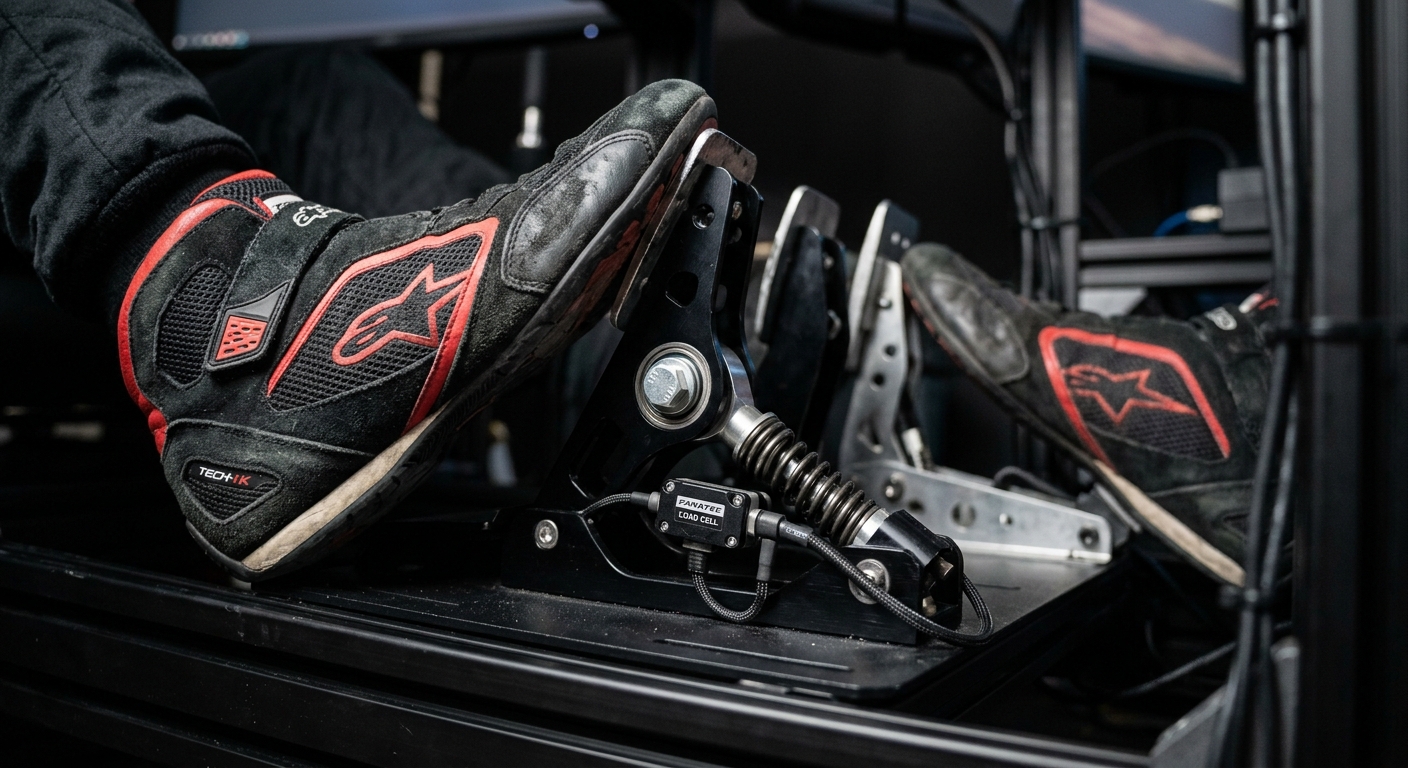
Load Cell Pedals measure the force applied to the pedal. This is ideal for sim racing because the human brain is significantly better at memorizing pressure than distance. This "muscle memory" allows for consistent trail braking, even under the stress of high-speed cornering.
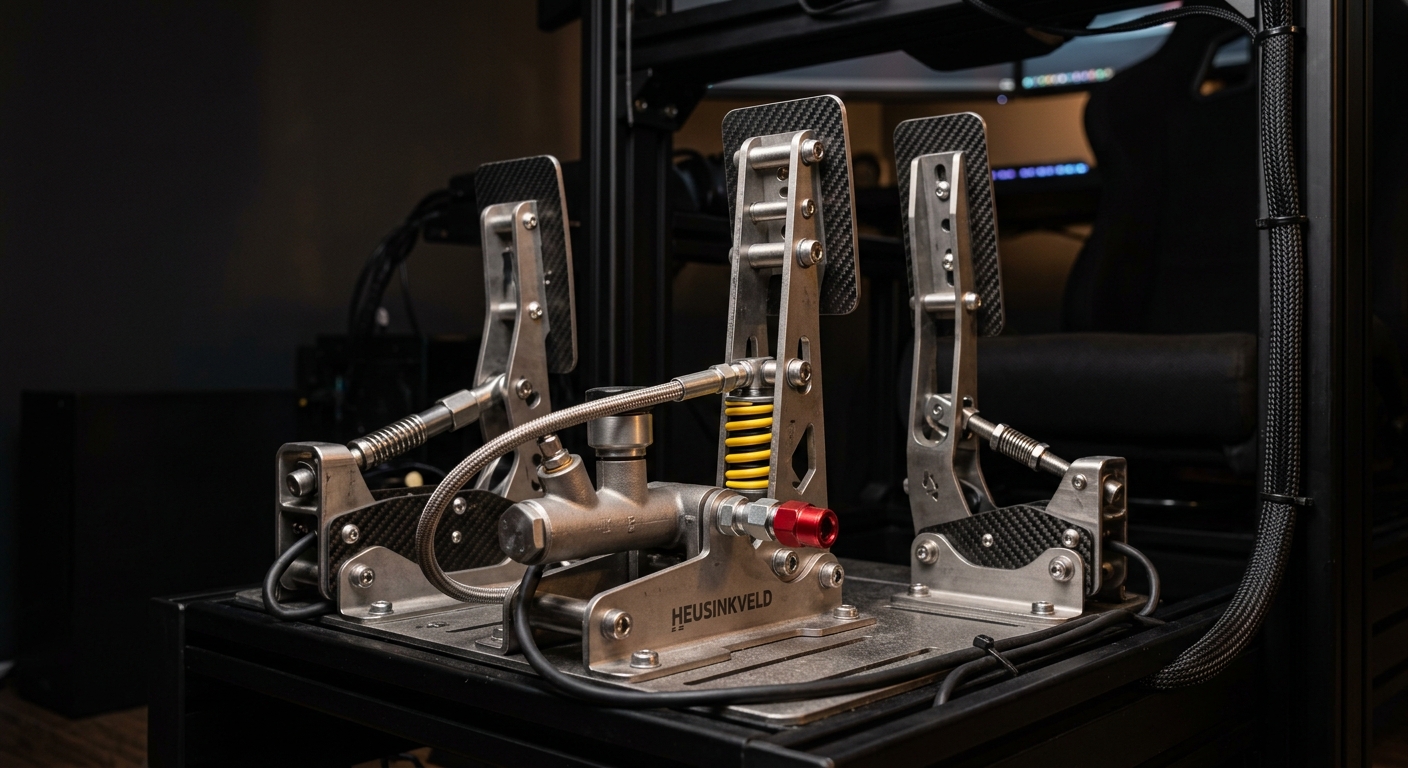
Hydraulic Pedals utilize a fluid-filled master and slave cylinder system to replicate the exact feel of a real-world braking system. While they offer the most authentic pedal feel, they introduce more mechanical complexity.
Both systems aim to solve the same problem: eliminating the guesswork found in travel-based pedals. Whether you choose the reliability of a load cell or the realism of hydraulics, the end goal is a predictable brake pressure telemetry curve.
Mounting for Performance: To Invert or Not to Invert?
The debate over inverting sim pedals is more than aesthetic; it changes how your body interacts with the hardware.
- Floor-Mounted (Formula Style): Pedals pivot from the bottom. This is common in single-seater racing and provides a direct, linear feel that many find easier for precise modulation.
- Inverted (GT Style): Pedals hang from the top, mimicking a road car or GT3 cockpit. This allows for a more natural "swing" of the foot and can reduce ankle fatigue during long endurance stints.
When inverting pedals, ensure your rig is rigid enough to handle the increased leverage. Any flex in your pedal plate will manifest as a loss of signal precision, effectively nullifying the benefits of your high-end sensors.
Mastering DIView: Calibrating Pedals for Perfect Telemetry
Many high-end pedals do not come with proprietary "plug-and-play" software. To get the most out of your hardware, you must master DIView, a utility used to calibrate raw input signals for Windows.
Step-by-Step DIView Calibration:
- Identify Raw Values: Open DIView and find your pedal controller. Observe the "Raw" value when the pedal is at rest and when fully depressed.
- Set Deadzones: To prevent "ghost" inputs, set your Min slightly above the resting raw value and your Max slightly below the absolute peak pressure you can comfortably sustain.
- Calculation: Right-click the axis and select "Calibration." Enter your raw Min, Max, and Center (usually the midpoint).
- Verify: Ensure the "Percentage" bar reaches exactly 0% at rest and 100% at full threshold.
Proper calibration ensures that your digital input perfectly mirrors your physical effort, which is the foundation of high-level performance.
Troubleshooting Signal Loss: Cables, Controllers, and Continuity
High-end systems are susceptible to interference. If you experience "flickering" inputs or sudden signal drops, check the following:
- Grounding: Hydraulic systems and heavy-duty load cells can build up static. Ensure your pedal plate is grounded to your rig frame.
- Cable Continuity: Check for pinched cables near the pivot points. Load cell wires are thin and easily damaged by over-tightened zip ties.
- Controller Issues: If the pedals aren't recognized, try a powered USB hub. High-end sensors can sometimes draw more power than a standard motherboard port provides.
How Calibration Errors Ruin Your RaceData AI Insights
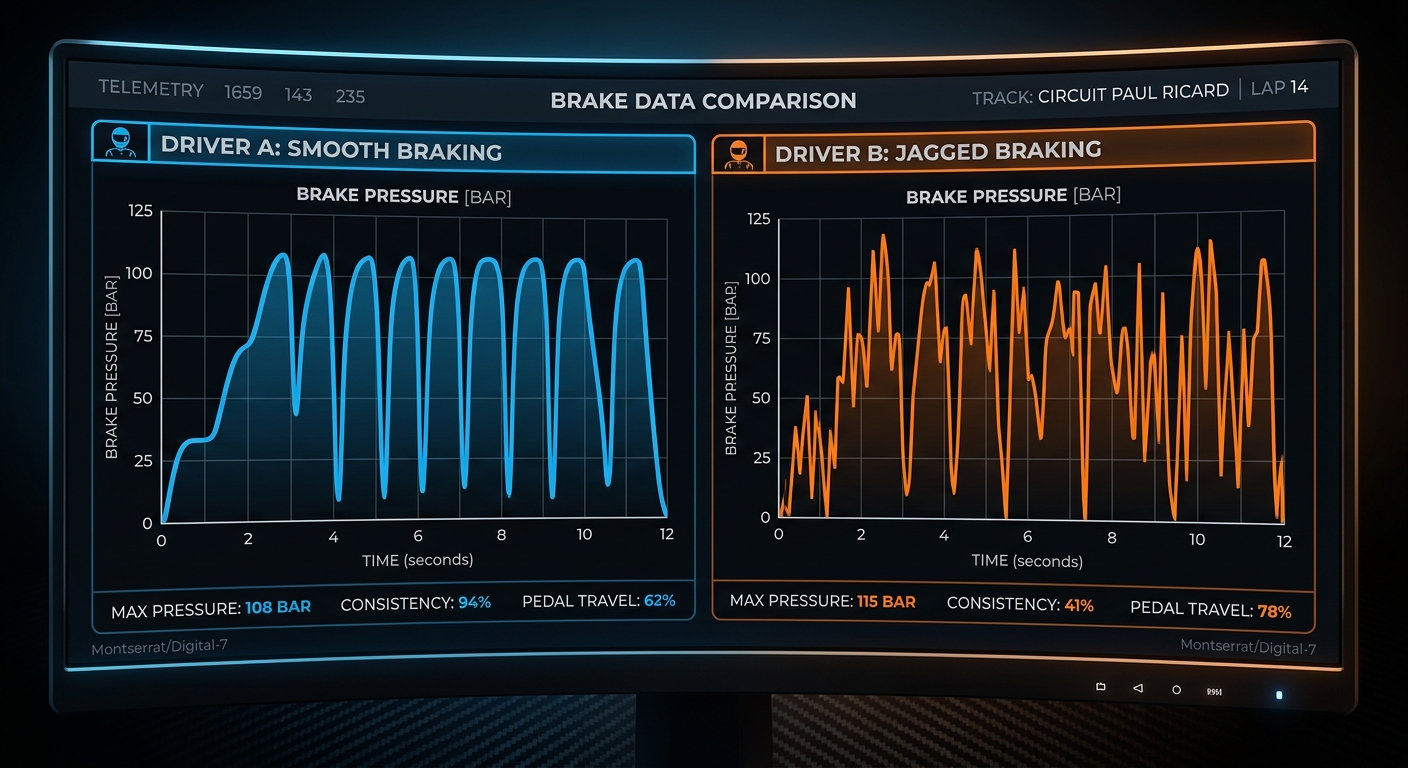
Consistency is the byproduct of accurate data. If your pedals are poorly calibrated—for example, if you have a 5% "dead" zone at the top of the stroke—your telemetry will reflect a jagged entry into braking zones.
When you use RaceData AI to analyze your performance, the engine looks for smooth trail-off transitions. Calibration errors create "noise" in your brake pressure telemetry, making it difficult to distinguish between a hardware limitation and a driving technique flaw. Ensuring a clean, linear signal allows you to accurately verify if your hardware is delivering the performance you paid for.
Maintenance Tips for Long-Term Pedal Consistency
- Lubrication: Use dry PTFE spray on pivot points. Avoid grease that attracts dust, as it can work its way into the sensors.
- Bolt Checks: Load cells and hydraulic cylinders exert hundreds of pounds of force. Check mounting bolts monthly to ensure nothing has vibrated loose.
- Sensor Cleaning: If using an optical or hall-effect sensor for the throttle or clutch, use compressed air to keep the path clear of debris.