Stop Watching the Dash: How to Develop Speed Perception for Consistent Braking
sim-racing-braking-points-speed-perception
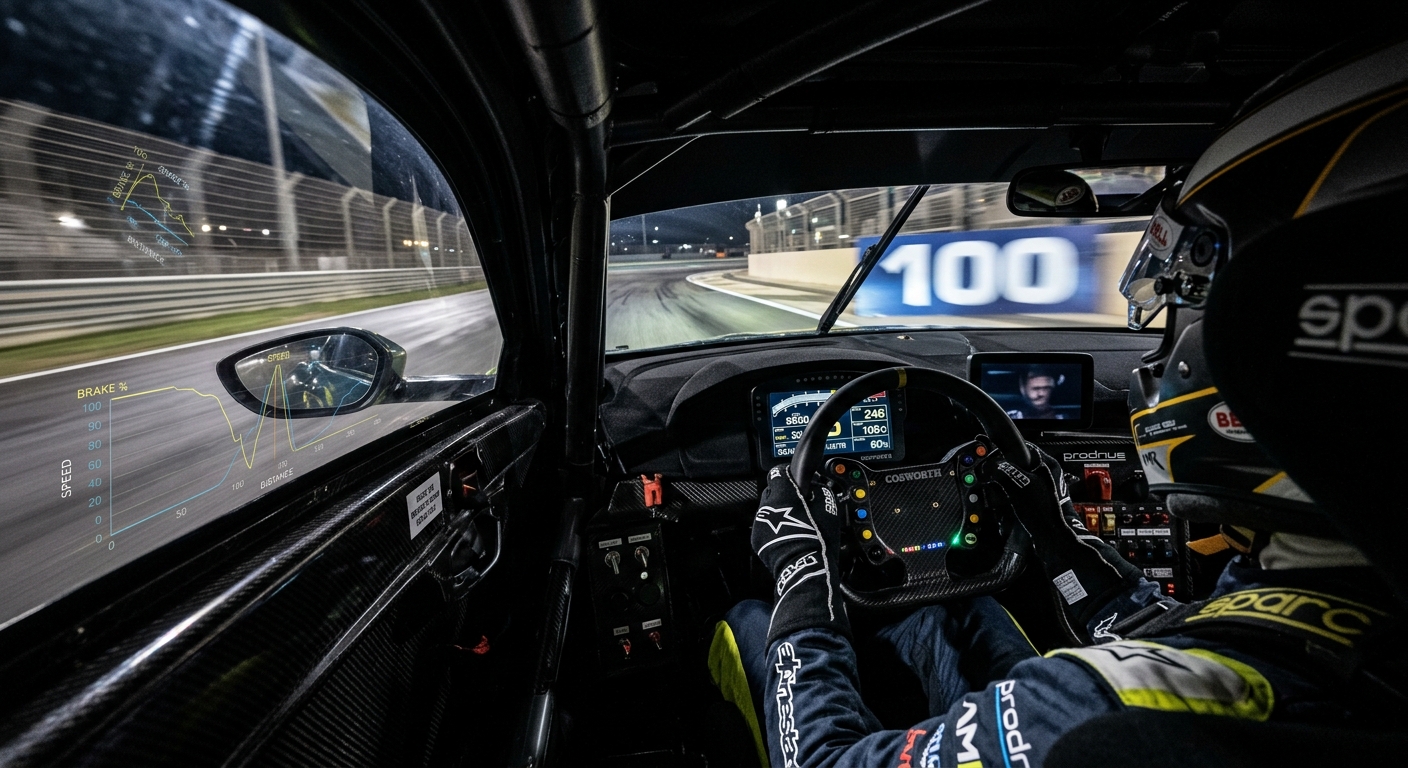
Learn why relying on the speedometer leads to missed corners and how to use visual flow, audio cues, and RaceData telemetry to master consistent braking and lap consistency.
The Speedometer Trap and Visual Flow
The speedometer is a distraction that delays your reaction time. Real-world drivers rarely look at their speed; they feel the car's deceleration through their body. In sim racing, you must replace that physical sensation with visual flow and FOV management. Correct Field of View (FOV) is crucial because it dictates how fast objects move across your screen. If your FOV is too wide, speed feels exaggerated but distances are harder to judge. If it is too narrow, you lose the sense of velocity. Finding the right balance allows your brain to calculate the 'closing speed' to a corner naturally, using the rate at which trackside objects pass your peripheral vision.
Finding Reliable Markers and Auditory Cues
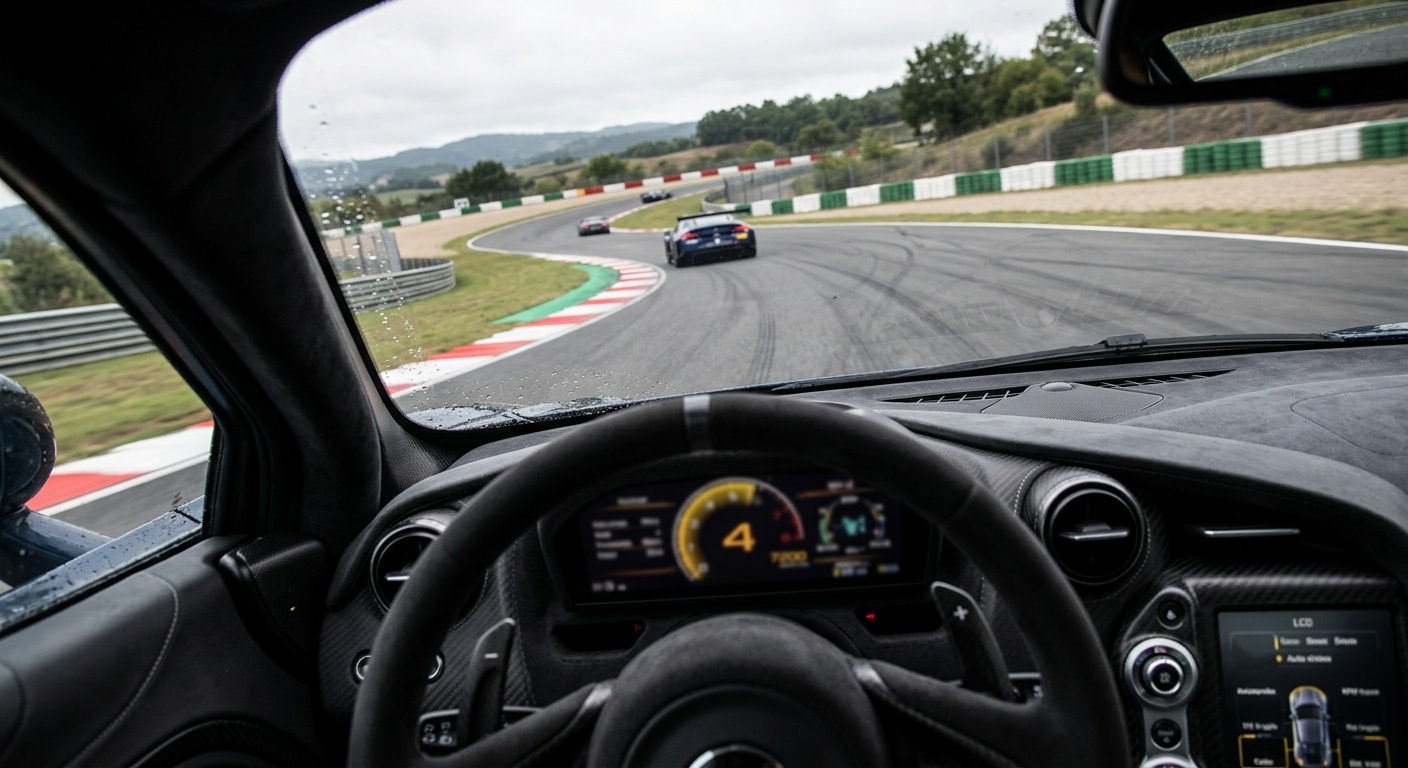
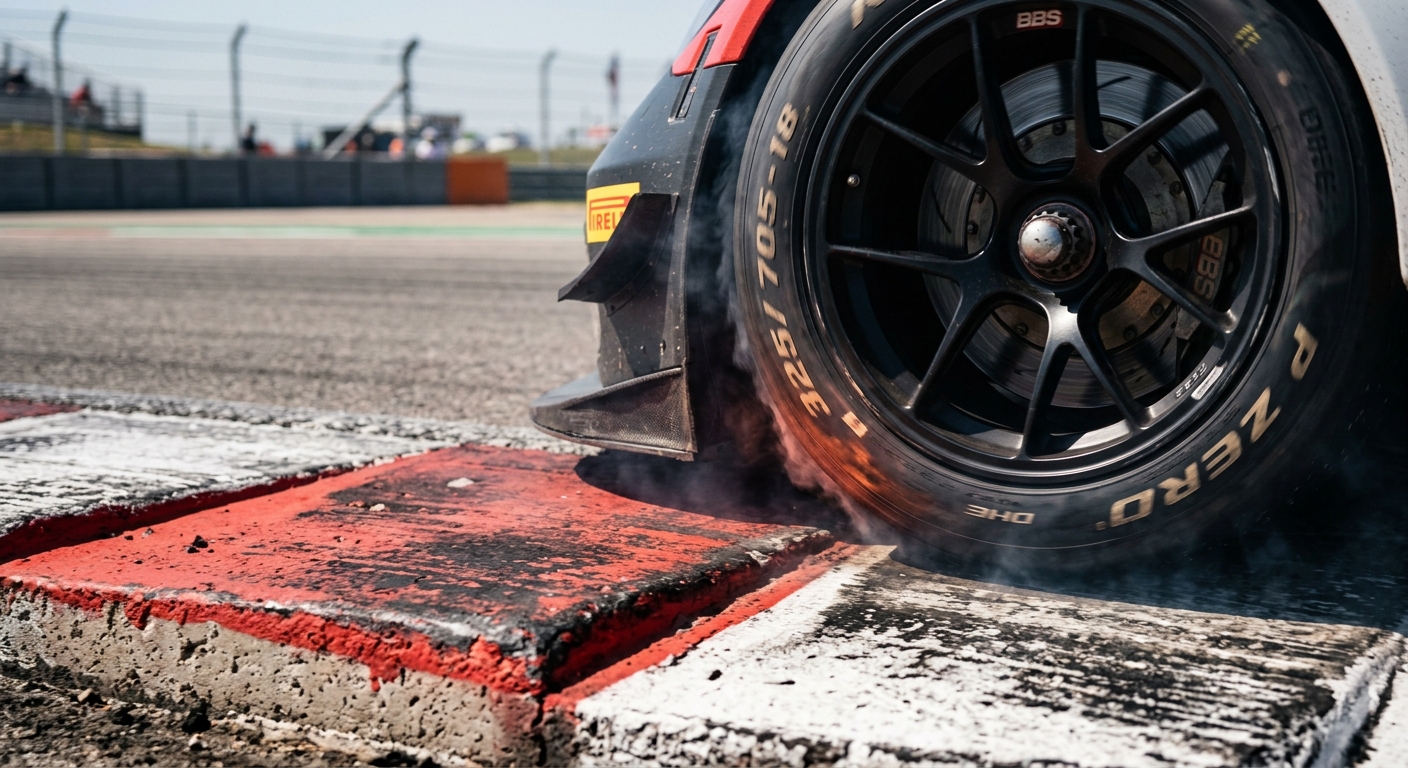
Consistency comes from using fixed references. While distance boards are the most obvious, they can be knocked away during a race. You should look for permanent markers: a change in curbing, a patch of different colored grass, or a specific light post. Beyond visuals, your ears are a powerful telemetry tool. The pitch of the engine and the scrub of the tires provide immediate feedback on your velocity. A high-pitched tire squeal often indicates you have carried too much speed for the available grip, while the engine's downshift rhythm helps you internalize the car's deceleration rate without needing to check a gear indicator.
FAQ
Why do I keep overshooting corners even if I brake at the marker?
This usually happens because your entry speed is inconsistent. If you arrive at the 100m board 5mph faster than the previous lap, your braking point must move back. Developing speed perception helps you adjust your braking pressure to compensate for these variances.
How does FOV affect my sense of speed?
A wider FOV makes objects in your peripheral vision move faster, increasing the sensation of speed. However, it also makes the track ahead look further away, which can lead to late braking. A mathematically correct FOV provides the most accurate distance perception.
What are the best types of visual markers to use?
Permanent markers are best. Look for changes in track surface color, the start of a curb, access roads, or overhead bridges. Avoid using shadows if you play with dynamic time of day, as they will move during the race.
Can Force Feedback help me judge my speed?
Yes. As speed increases, the steering usually feels heavier due to aerodynamic load and self-aligning torque. When you brake, the weight shifts forward, changing the resistance in your wheel. Learning these sensations helps you 'feel' the car's velocity.
How can I use RaceData to improve my consistency?
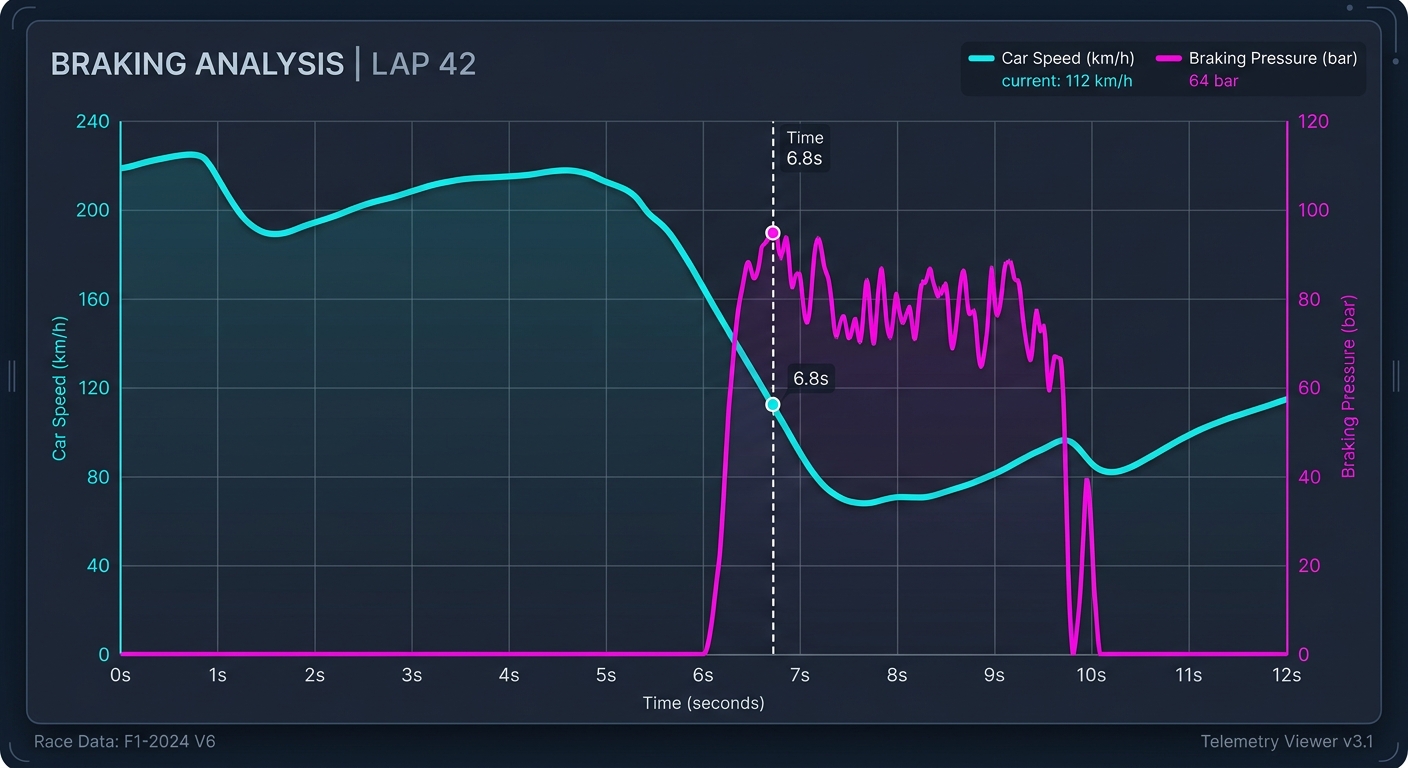
Upload your session to RaceData AI and look for the spread in your braking points. If your braking application points are scattered on the map, focus on using visual markers. If the points are the same but the speed varies, focus on your visual flow and FOV.
Master Your Consistency with RaceData AI
Stop guessing why you missed the apex. Upload your latest session to RaceData AI to see if your braking points are shifting lap-over-lap. Our telemetry tools help you visualize your speed perception errors so you can build the muscle memory needed for podium finishes.