The Physics of Vision: How Your Rig Setup and Monitor Distance Control Your Lap Times
sim-racing-monitor-distance-ergonomics-guide
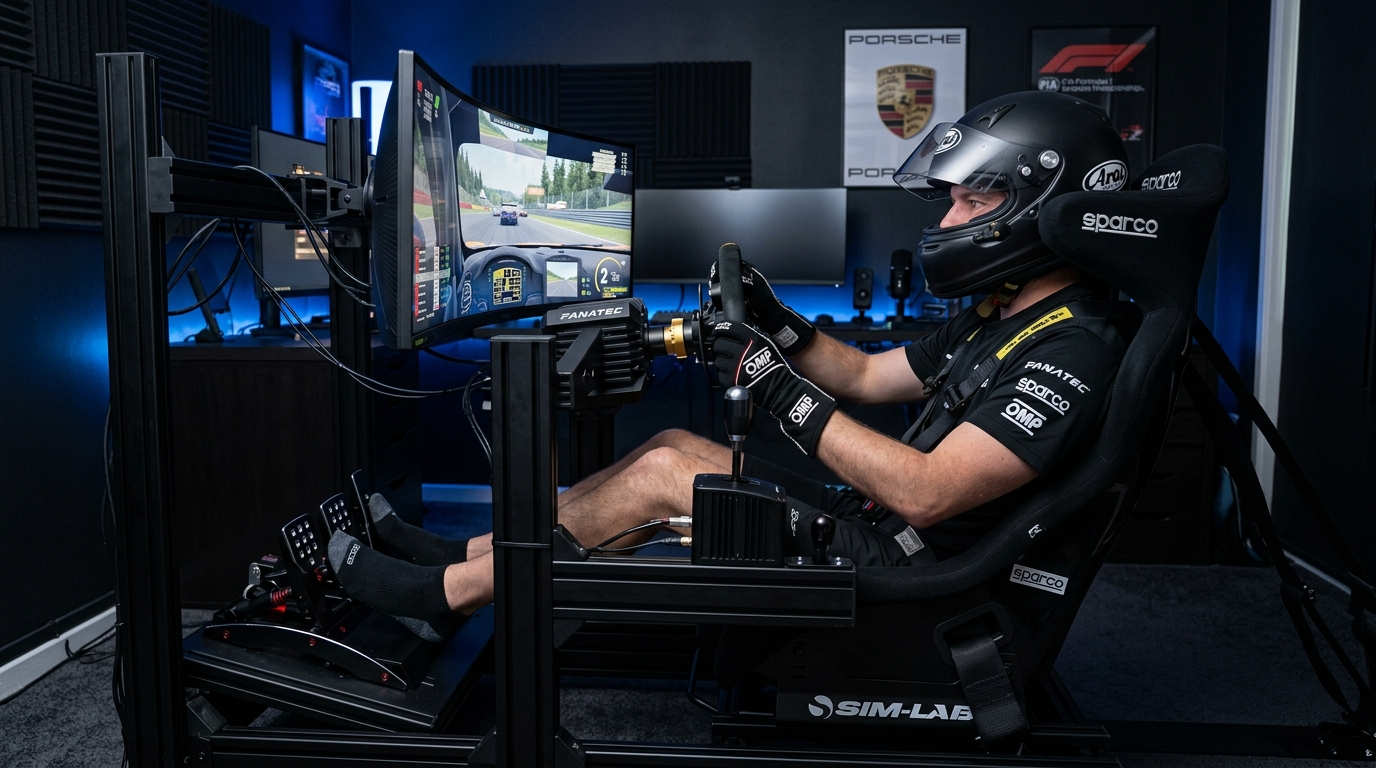
Optimize your sim racing rig ergonomics and monitor distance to improve consistency. Learn how field of view (FOV) and seating position impact your visual data processing.
Why Your Monitor Distance is the Most Important Setting
Monitor distance determines how your brain perceives depth and speed. When the screen is too far away, your Field of View must be narrower, which shrinks the scale of the world. This distortion makes it harder to judge the distance to a braking zone. Positioning the monitor directly behind your wheel base maximizes your immersion and provides a 1:1 visual scale, allowing your natural instincts to take over during high-speed cornering and improving your reaction times.
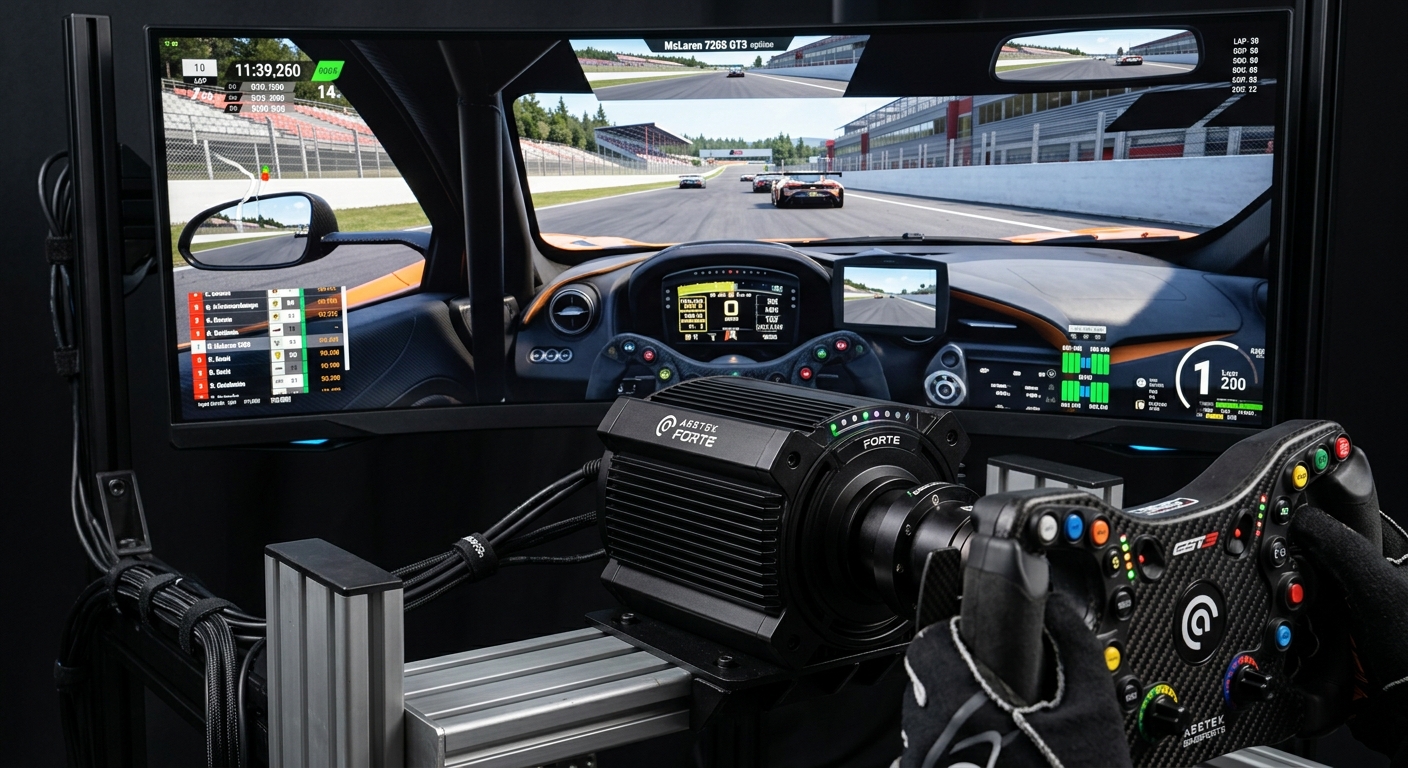
The Math of Mastery: FOV and Speed Perception
Field of View (FOV) is not a preference; it is a mathematical calculation based on monitor size and distance from your eyes. Using an FOV calculator ensures that the objects on your screen move at the same angular velocity as they would in real life. If your FOV is too wide, corners appear farther away than they are, leading to overshooting. Correcting this helps stabilize your braking markers and steering inputs, which directly shows up as smoother lines in your telemetry data.
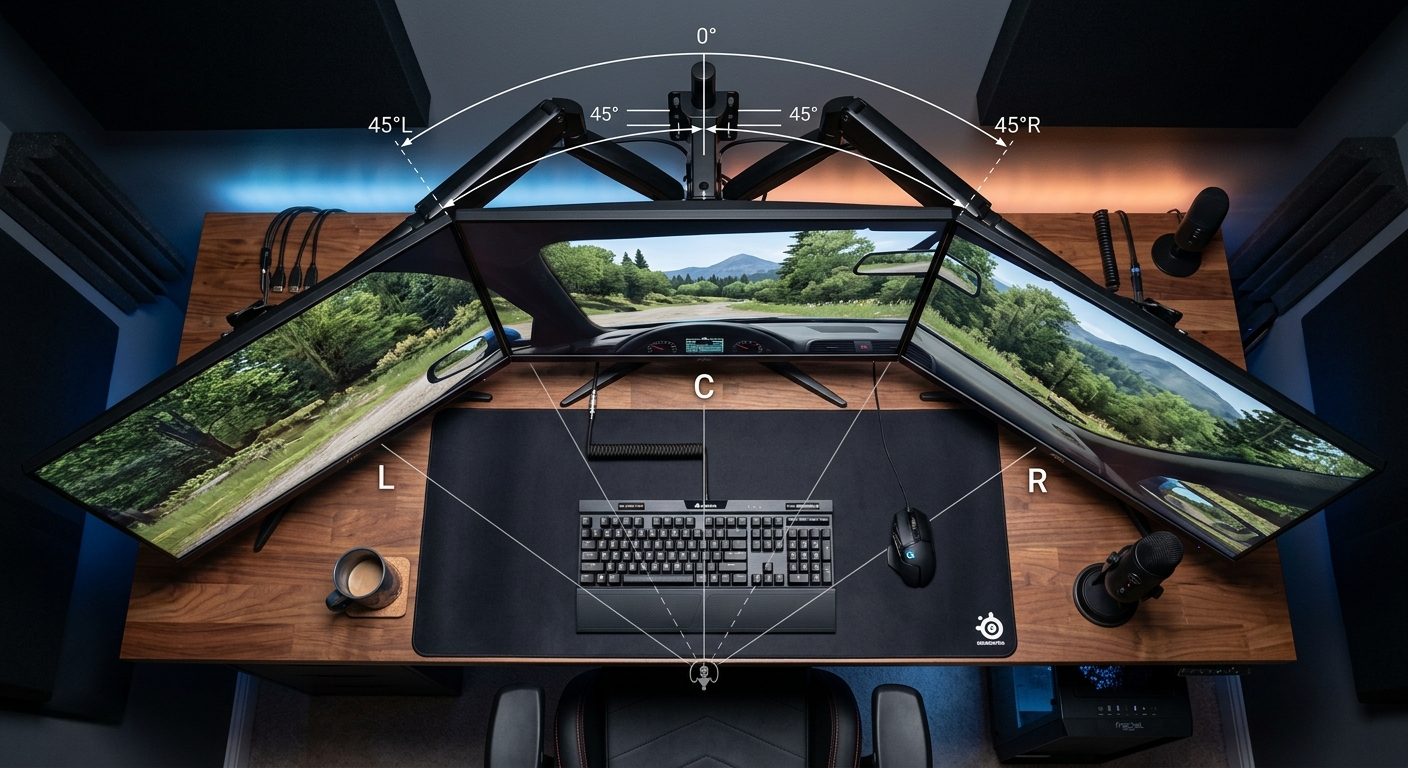
Ergonomics: Solving Back Pain and Small Space Issues
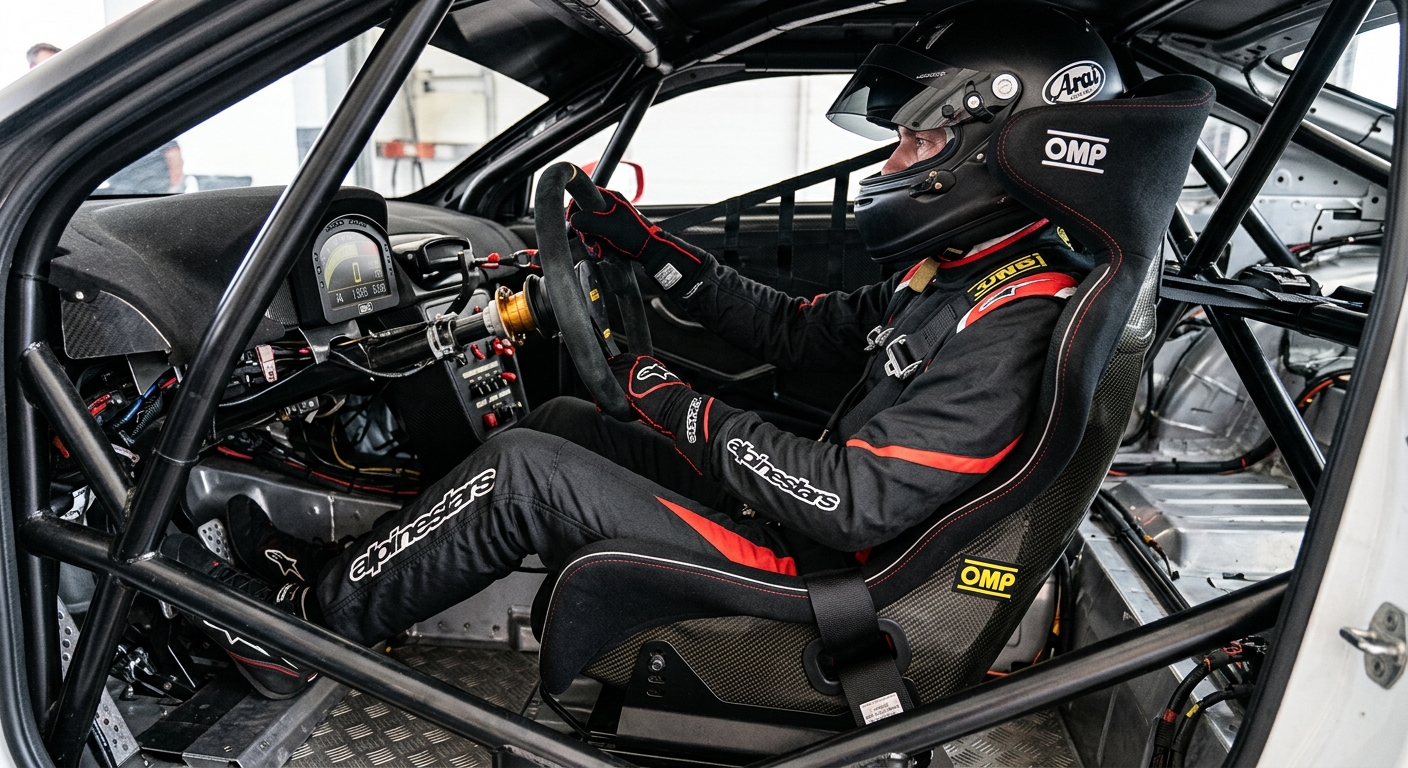
Consistency is impossible if you are in physical pain. Sim racing back pain usually stems from improper pedal distance or an unsupportive seat angle. Your knees should have a slight bend at full brake depression, and your shoulders should remain against the seat when turning the wheel. For those in small spaces or using desk rigs, prioritizing a stable chair and a monitor arm that brings the screen closer can bridge the gap between a casual setup and a performance-oriented rig.
FAQ
How close should my sim racing monitor be?
Ideally, the monitor should be as close to your steering wheel as possible, often sitting directly behind the motor housing to maximize your field of view.
What happens if my FOV is set incorrectly?
Incorrect FOV distorts your perception of speed and distance, making it difficult to hit apexes consistently and judge braking points accurately.
How can I prevent back pain while sim racing?
Ensure your seat is angled to support your lower back and that your pedals are positioned so your legs are not fully straightened when braking.
Can I get a good FOV with a single monitor?
Yes, but you must use an FOV calculator and likely move the monitor much closer to your eyes to compensate for the smaller screen width.
Does monitor height matter for sim racing?
Yes, your eye level should generally be aligned with the center of the screen or slightly above to maintain a natural horizon line.
Validate Your Setup with Data
Once you have adjusted your monitor and seating position, use RaceData AI to compare your performance. Analyze your braking consistency and steering smoothness to see the data-driven proof of your ergonomic improvements. Better vision leads to better telemetry.