Fixing the Floaty Feel: Simagic FFB Guide for Assetto Corsa
simagic-assetto-corsa-ffb-settings-guide
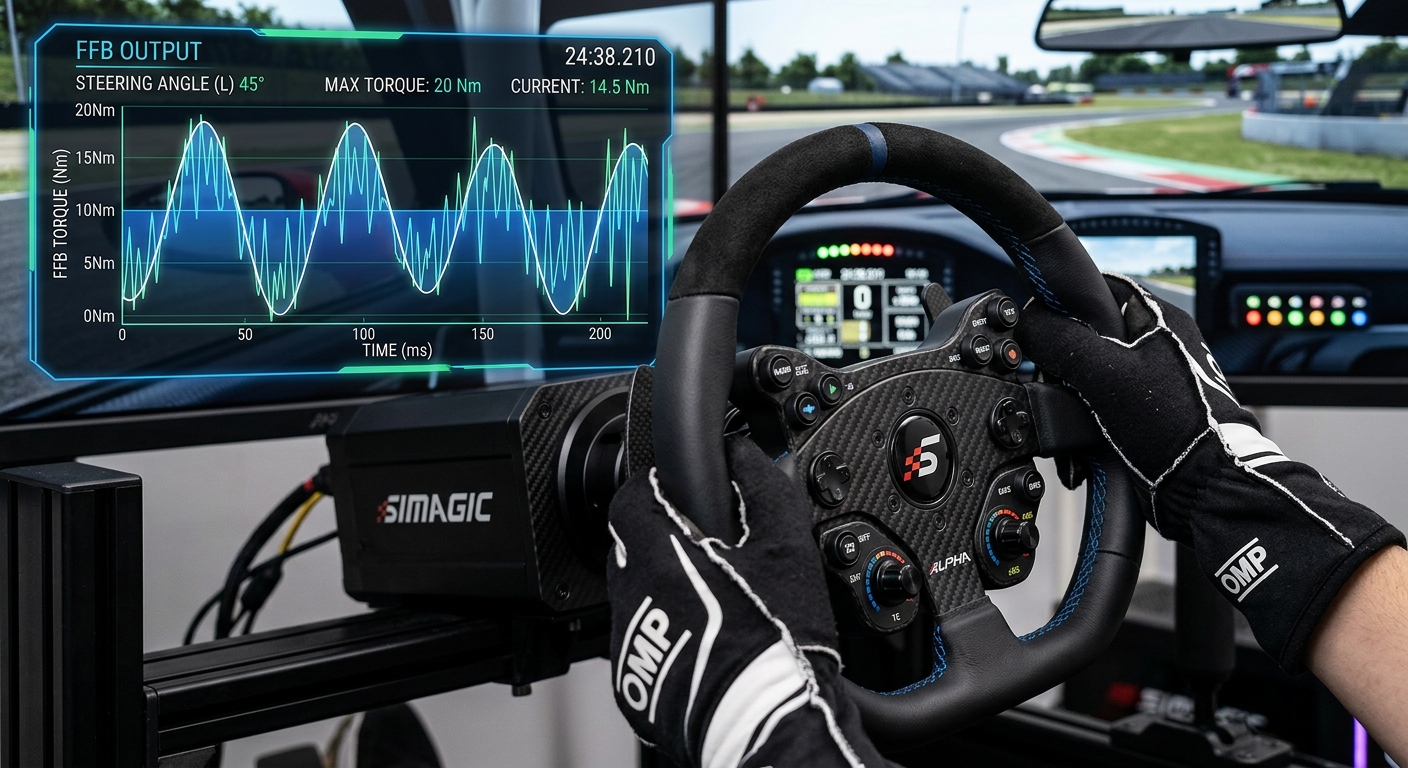
Learn how to eliminate floaty force feedback and clipping on your Simagic wheel base in Assetto Corsa using SimPro Manager and Content Manager tweaks for better consistency.
SimPro Manager: Setting the Hardware Foundation
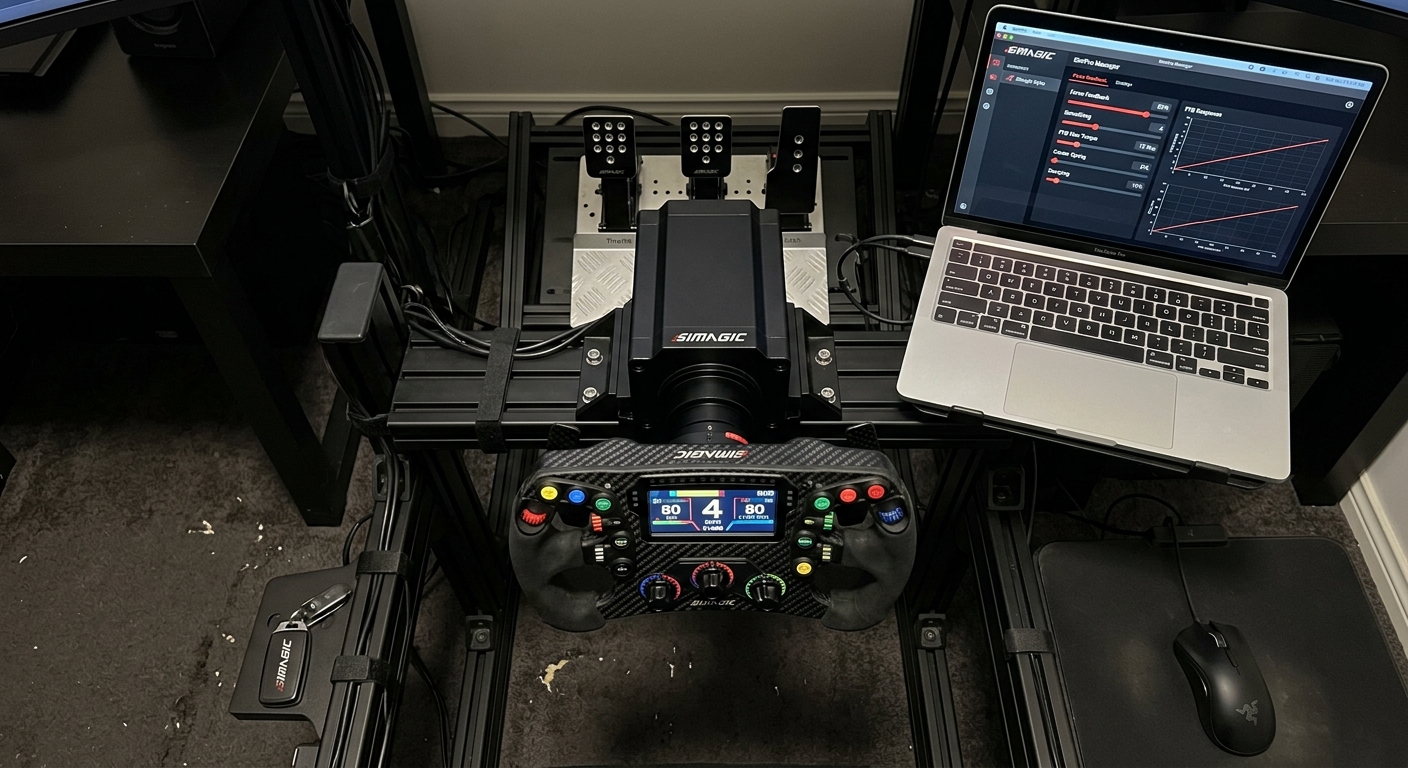
To fix a disconnected feel, start in SimPro Manager. Set your Max Torque to 100% to utilize the full dynamic range of the motor. Use a low Dampening setting, around 10%, to provide weight without masking detail. Friction should be kept minimal, typically under 5%, to ensure the wheel remains responsive to micro-corrections. Set the Wheel Speed to 100 to ensure the base reacts as fast as the physics engine demands. These base settings ensure the signal coming from Assetto Corsa isn't artificially filtered before it reaches your hands.
Content Manager and CSP FFB Tweaks
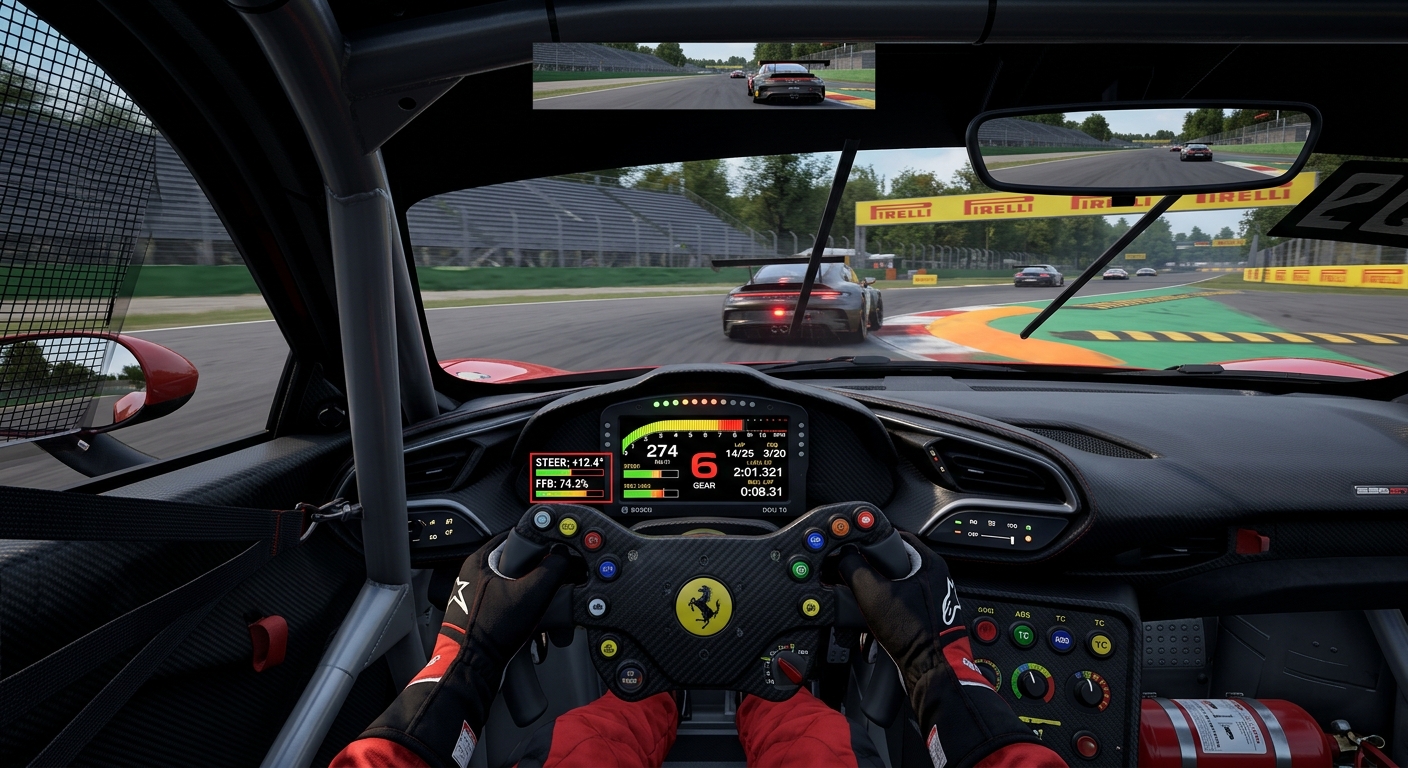
Assetto Corsa's default FFB can feel dated on modern Direct Drive hardware. Within Content Manager, enable the 'FFB Tweaks' extension in Custom Shaders Patch. Turning on the 'Gyroscopic Effect' is essential for Simagic users as it stabilizes the steering rack's self-centering forces. Furthermore, ensure that 'Road Effects' and 'Slip Effects' are set to 0%. While these provide vibrations, they are canned effects that overlay the actual tire data, making it harder to feel the moment the front tires begin to scrub or lose grip.
FAQ
What is FFB clipping?
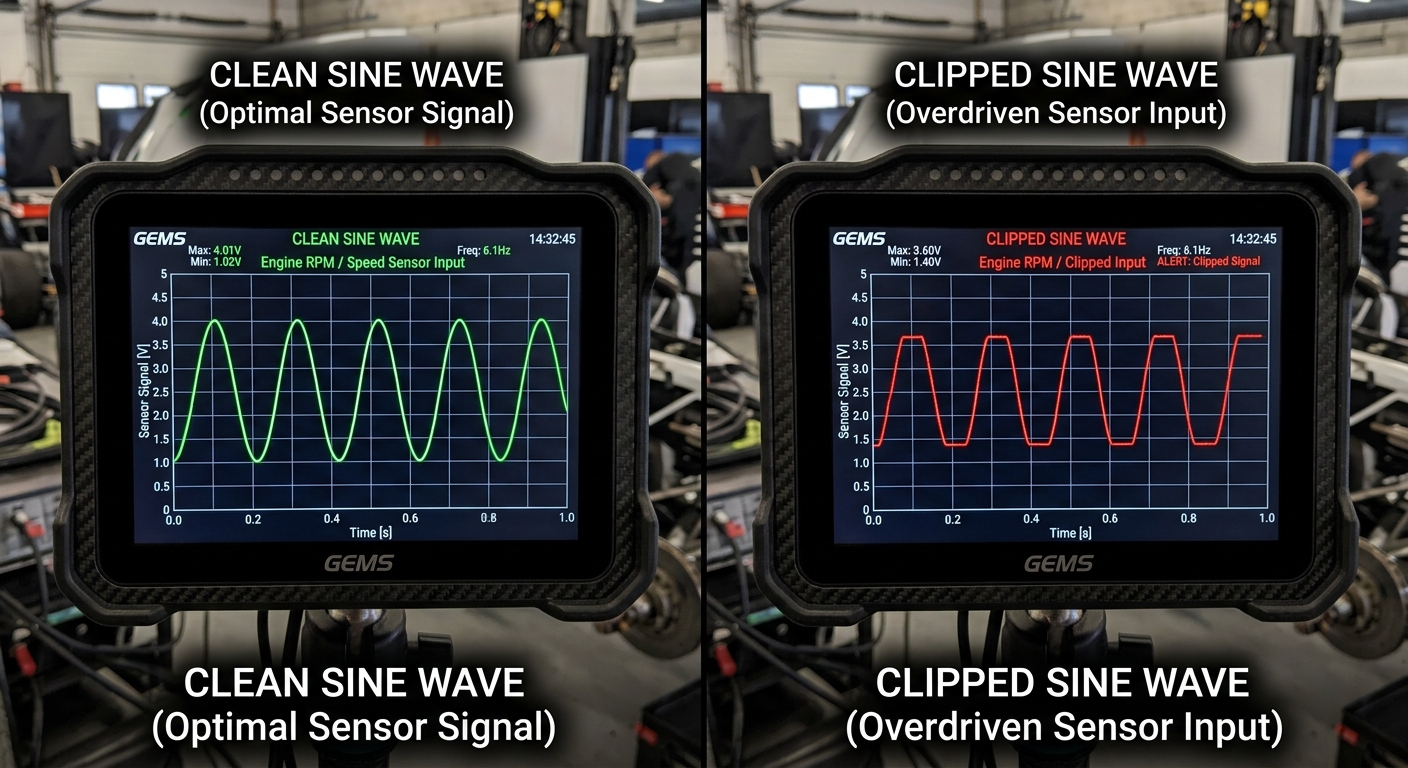
Clipping happens when the simulation sends a force signal stronger than the wheel base can output, causing the feedback to 'flatline' and lose all subtle detail.
Why does my Simagic feel light in the center?
This is often due to the lack of gyroscopic effects in the base game. Enabling 'FFB Tweaks' in CSP and using the Gyro setting fixes this disconnected feeling.
Should I use 'Road Effects' in Assetto Corsa?
No. Road Effects are canned vibrations. On a Direct Drive wheel like Simagic, they mask real tire data. Set them to 0% for the clearest feedback.
What is the best Gain setting for Simagic Alpha?
Start around 50-60% in Content Manager while keeping SimPro at 100%. This provides enough headroom to avoid clipping in high-G corners.
How does correct FFB improve lap times?
Accurate FFB allows you to feel the limit of grip. This leads to better trail braking, fewer lockups, and more consistent corner exit speeds.
Visualize Your Steering Data with RaceData AI
Stop guessing why you're missing the apex. Use RaceData AI's telemetry analysis to visualize your steering torque and identify if hardware clipping or improper settings are holding you back from your true pace.