← All posts · Pace, consistency and telemetry
The Best Sim Racing Apps and Tools in 2026: What Each One Is Actually For
The best sim racing apps are the ones that each do one job well: Crew Chief for a voice spotter and race engineer, SimHub for dashboards, LEDs and bass shakers, an overlay app such as RaceLab or iOverlay for on-screen information, a setup service if you race open-setup series, and a telemetry tool such as RaceData to find out where your lap time goes. Most drivers end up running three or four of them together.
This guide sorts the common tools by the problem they solve, so you can pick one per job instead of installing everything at once. Prices change often, so check each tool's own site before you buy.
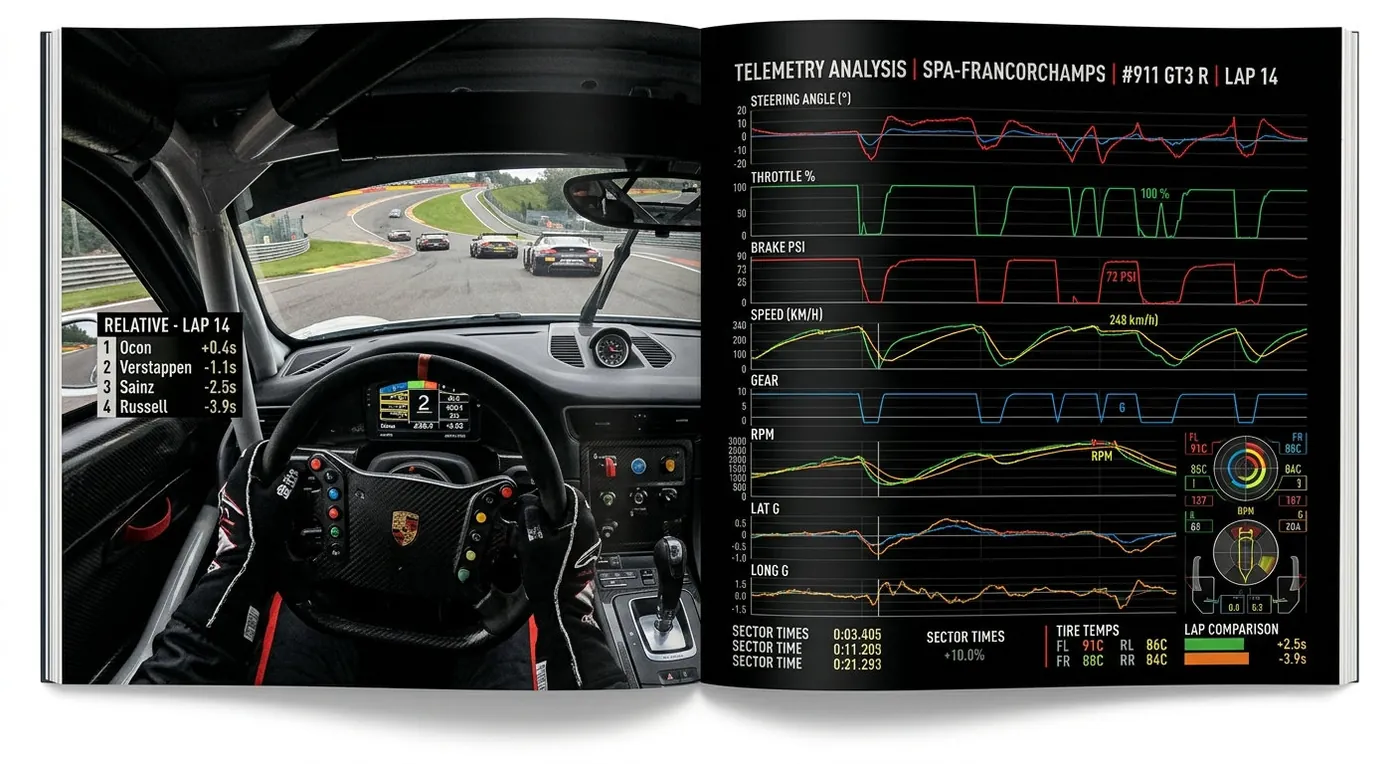
Sim racing apps by job: a quick map
| Job | Common tools | Cost model |
|---|---|---|
| Spotter and race engineer | Crew Chief | Free, open source (donations) |
| Dashboards, LEDs, haptics | SimHub | Free, optional paid licence |
| On-screen overlays | RaceLab, iOverlay | Free tier plus paid Pro |
| Car setups | VRS, Coach Dave Delta, Grid & Go and others | Monthly or yearly subscription |
| Liveries (iRacing) | Trading Paints | Free, paid Pro tier |
| Telemetry analysis and lap comparison | RaceData, Garage 61, VRS | Free plans plus paid tiers |
The split matters because the tools overlap less than their marketing suggests. SimHub can show live data on a dashboard, but it is built for hardware, not for comparing two laps afterwards. A telemetry tool tells you why a lap was slow, but it will not call out a car on your left. Pick by the job.
Crew Chief: a free spotter and race engineer
Crew Chief is a free, open-source Windows app that talks to you while you drive. It calls cars alongside, fuel, tyre wear, gaps, flags and penalties, and it can answer spoken questions such as how much fuel is left. It works with iRacing, Assetto Corsa, Assetto Corsa Competizione, rFactor 2, RaceRoom and other sims.
For iRacing it replaces the built-in spotter, so turn the in-game spotter off to avoid hearing two voices. Our Crew Chief for iRacing guide covers installation and voice commands.
SimHub: dashboards, LEDs and bass shakers
SimHub connects your sim to physical hardware: dashboards on a phone or second screen, LED strips, Arduino builds, bass shakers and other haptic devices. Its site lists support for more than 200 devices. It is free to use, and a pay-what-you-want licence (from €8) raises the update rate to hardware from 10 to 60 frames per second and removes reminders. Motion rigs need a separate add-on licence.
Read What Is SimHub? for a fuller breakdown, and for where it stops being the right tool.
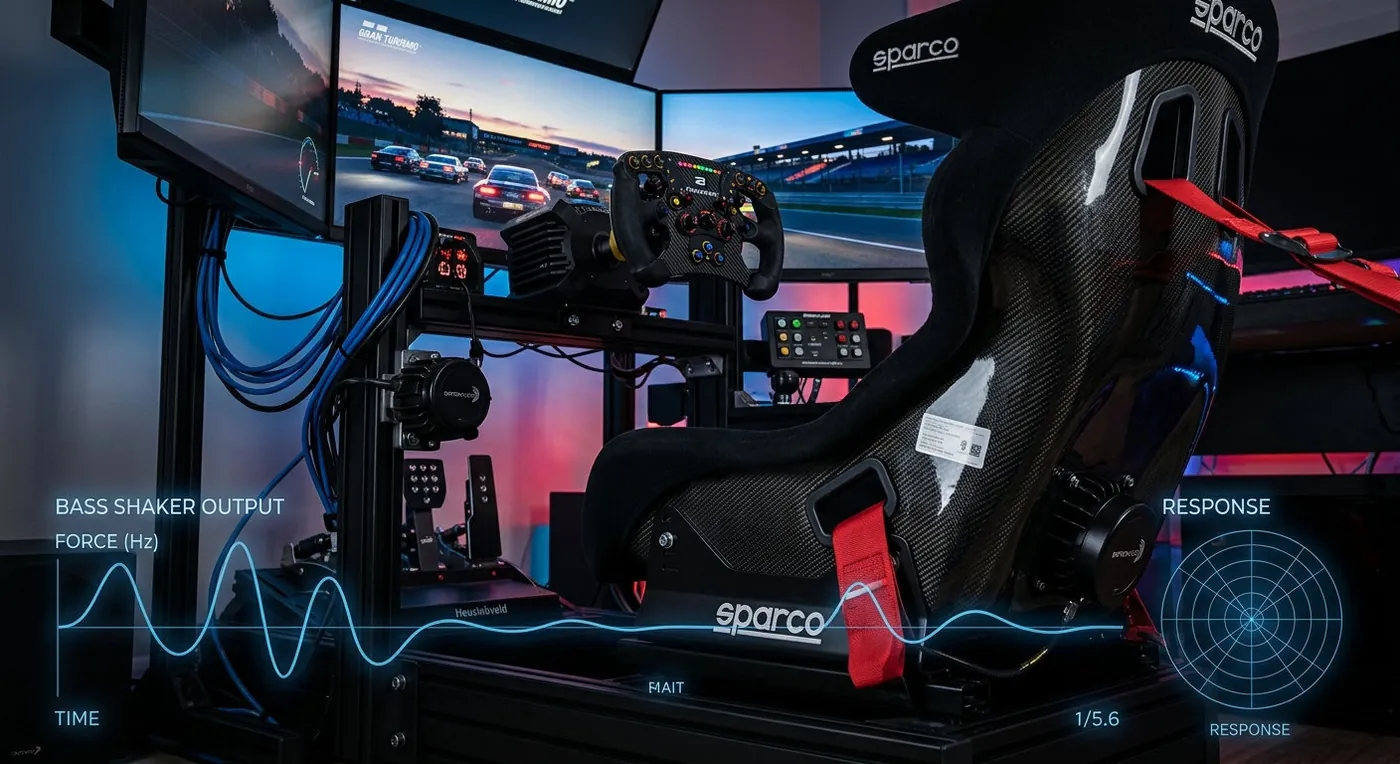
Overlays: RaceLab and iOverlay
Overlay apps draw extra information on top of the sim: relative timing, standings, fuel calculators, input bars and track maps. RaceLab has a free Basic tier and a paid Pro tier. iOverlay is free to start with a Pro plan from about €2.50 a month; it runs on Windows and needs the sim in windowed or borderless mode.
Overlays are useful during a race. They show what is happening right now, not why your lap was slow, so they work alongside a telemetry tool rather than replacing one.
Setup services: when you need them
In fixed-setup series everyone runs the same setup, so a setup service adds nothing. In open-setup series, a good baseline saves hours. Most services are subscriptions: VRS, for example, lists a free Casual plan and paid plans at $4.99 and $9.99 a month, and services such as Coach Dave Delta and Grid & Go can install setups into the right folder for you.
Our iRacing setups guide explains how setups work, where to get them and how to load them.
Telemetry analysis: finding where the time goes
Telemetry tools record your inputs and the car's data every lap, then let you compare laps afterwards. This is the category that answers the question most drivers actually have: why am I slower than that driver?
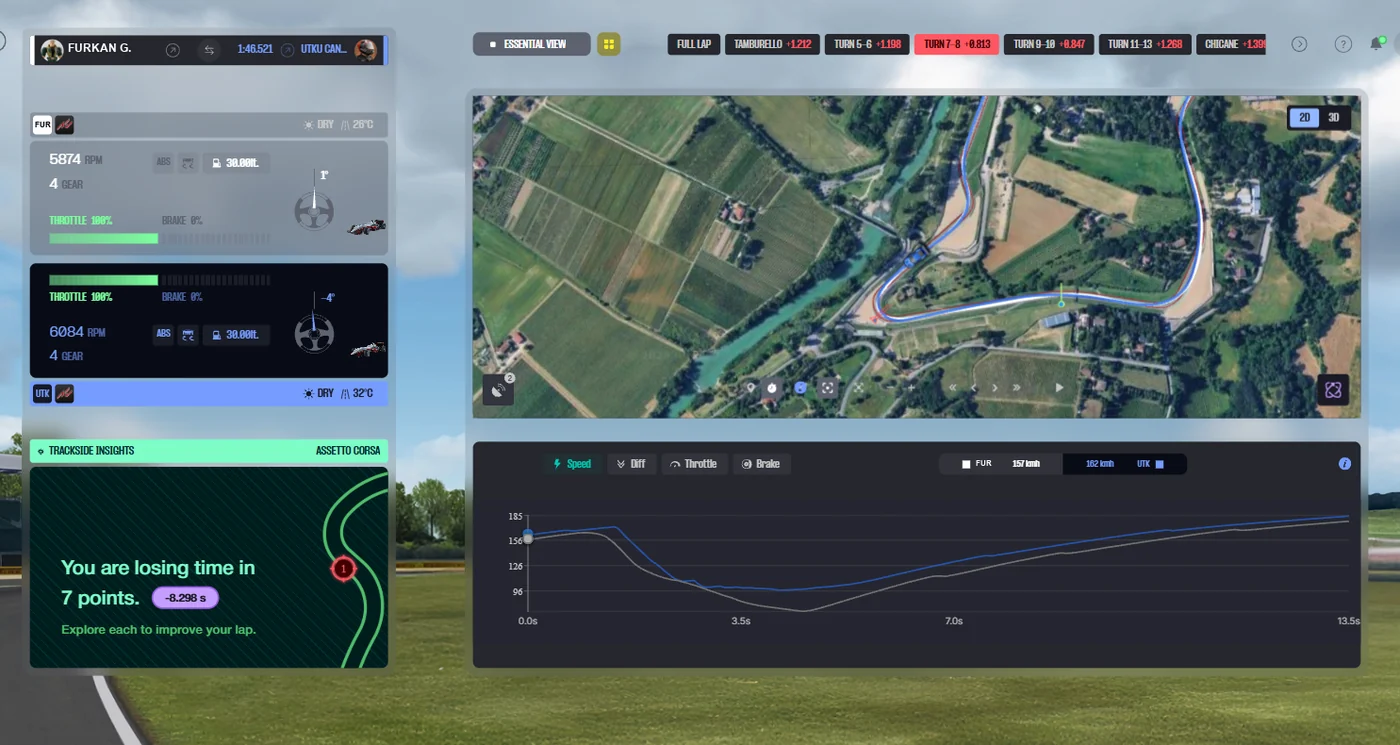
- RaceData records laps from iRacing, Assetto Corsa, Assetto Corsa Competizione, Le Mans Ultimate, AMS 2, rFactor 2, Project Motor Racing and F1, splits the gap to a faster lap corner by corner and adds AI analysis of where the time goes. It has a free plan.
- Garage 61 is an iRacing-only service for storing and sharing laps and data within teams.
- VRS focuses on iRacing and pairs coaching laps with its data packs.
For an example of what a corner-by-corner comparison shows, see our Imola lap comparison, where an 8.3-second gap splits across seven corners.
A sensible starting kit
- Crew Chief if you race online and want spotter calls. It is free.
- A telemetry tool as soon as you want to get faster rather than just race. Start with a free plan.
- SimHub once you add hardware such as a dashboard, LEDs or bass shakers.
- An overlay app if you race in traffic and want relative timing on screen.
- A setup service only if you race open-setup series.
Frequently asked questions
What is the best free sim racing app?
Crew Chief and SimHub are both free and cover very different jobs: Crew Chief is a voice spotter and race engineer, SimHub drives dashboards and hardware. For lap analysis, RaceData has a free plan.
Do I need SimHub if I have a telemetry tool?
Only if you use hardware such as dashboards, LEDs or bass shakers. SimHub is built for live hardware output; telemetry tools are built for comparing laps after you drive.
Which sim racing tools work with iRacing?
Crew Chief, SimHub, RaceLab, iOverlay, Trading Paints, VRS, Garage 61 and RaceData all work with iRacing.
Are setup subscriptions worth it?
In open-setup series they save time. In fixed-setup series everyone uses the same setup, so a subscription adds little.