← All posts · Pace, consistency and telemetry
What Is SimHub? Dashboards, Haptics and LEDs Explained, and Where It Stops
SimHub is a Windows app that connects racing sims to physical hardware. It drives dashboards on a phone, tablet or second screen, LED strips and Arduino builds, bass shakers and other haptic devices, and on-screen overlays. It is free to use; a pay-what-you-want licence starting at €8 raises the update rate to your hardware from 10 to 60 frames per second and adds a few convenience features.
SimHub is built for live output to hardware while you drive. It is not built for comparing two laps afterwards to find where you lose time, which is the job of a telemetry analysis tool.
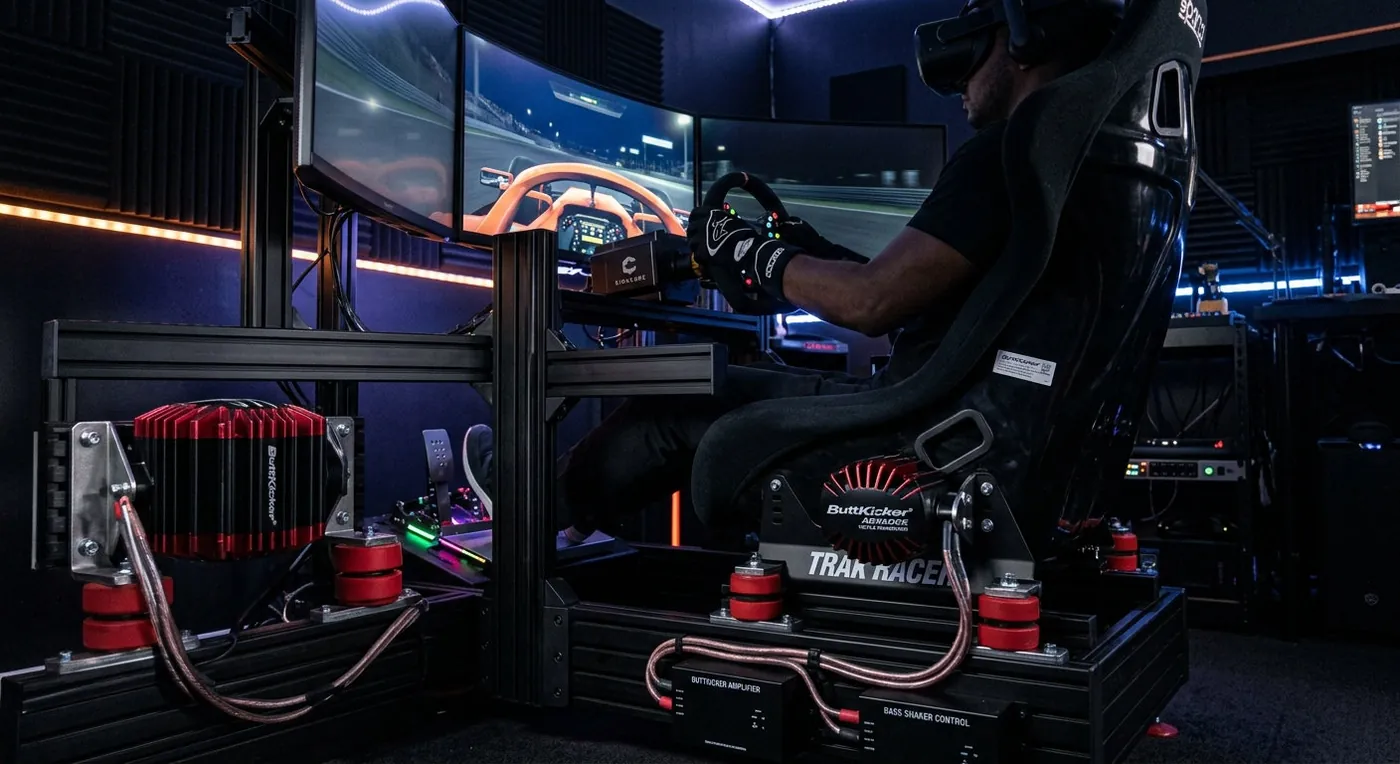
What SimHub does
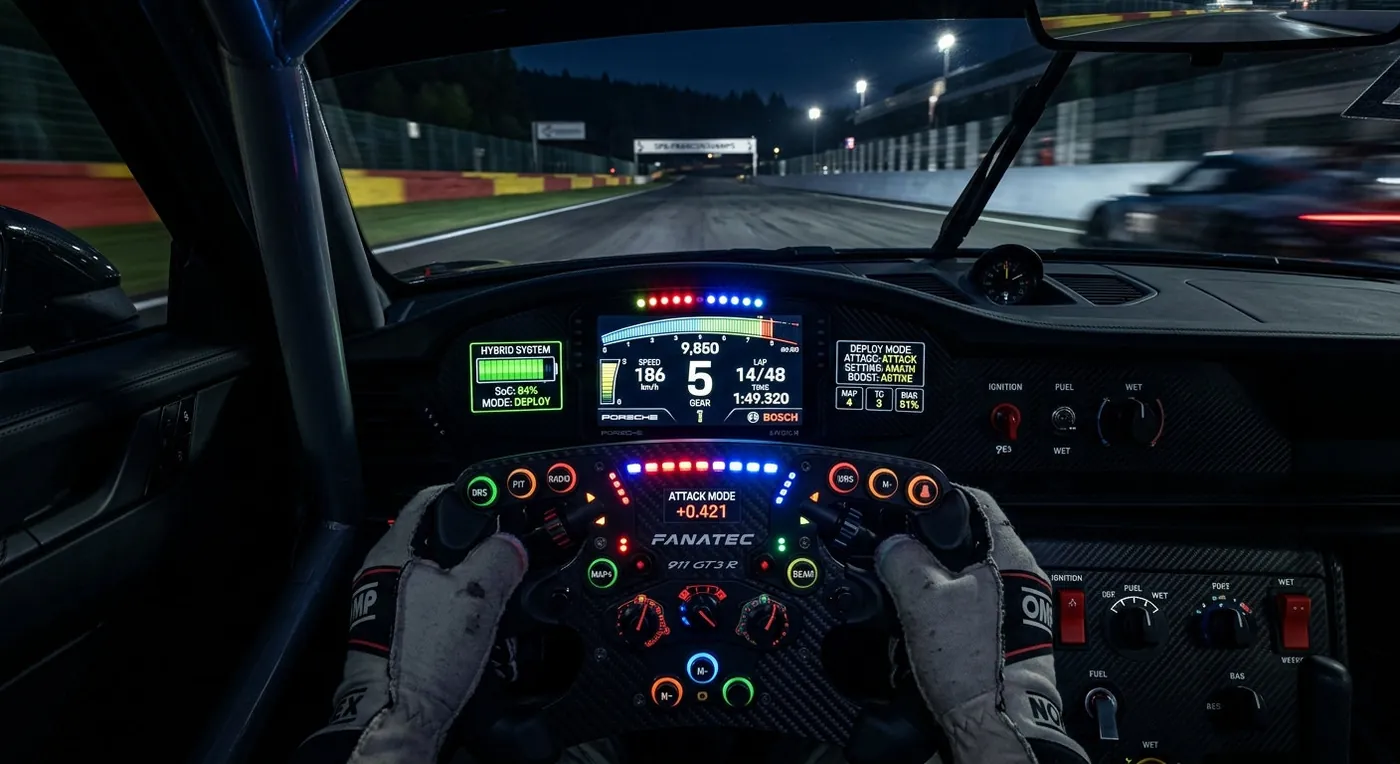
- Dashboards: the Dash Studio editor builds digital dashboards and overlays, shown on a phone, tablet, second monitor or dedicated display.
- Haptics: sends road, engine, gear-shift and slip effects to bass shakers, motors and wind fans.
- LEDs and Arduino: rev lights, flag lights, LED matrices and seven-segment displays, with no coding needed for common builds.
- Motion: supported through a separate, paid motion add-on.
SimHub's site lists support for more than 200 devices and dozens of games, including iRacing, Assetto Corsa, Assetto Corsa Competizione and Le Mans Ultimate. Check the in-app game list for your sim.
Free vs licensed: what the licence adds
| Free | Licensed | |
|---|---|---|
| Update rate to hardware | 10 FPS | 60 FPS |
| Automatic game switching | No | Yes |
| Start minimised, no reminder screens | No | Yes |
| Price | €0 | Pay what you want, from €8, one-time |
The licence is a one-time payment rather than a subscription. For shakers and rev lights the jump from 10 to 60 updates a second is the main reason to pay, because effects feel delayed at 10. Motion rigs need an additional motion licence.
What SimHub is not built for
SimHub shows live data: speed, gear, delta, tyre temperatures right now. It is not designed to answer the question that matters once you want to get faster: in which corners, and why, am I slower than a quicker driver?
That needs recorded laps compared side by side: speed, throttle and brake traces, and the time lost in each corner. In our Imola lap comparison, for example, the comparison showed that an 8.3-second gap was spread across seven corners, with the biggest single loss coming from late throttle on the exit of Rivazza. A live dashboard cannot show that.
SimHub and a telemetry tool together
Most drivers who use SimHub also use a telemetry tool, because they do different jobs:
- While driving: SimHub runs your dash, lights and shakers.
- After the session: a telemetry tool such as RaceData compares your laps with a faster one and shows where the time went.
Both read data from the sim at the same time without conflict. See our guide to sim racing apps and tools for how the other common tools fit in.
New to telemetry? What racing telemetry data is explains the channels and how to compare laps.
Frequently asked questions
Is SimHub free?
Yes. SimHub is free to use. A pay-what-you-want licence from €8 raises the hardware update rate from 10 to 60 FPS and adds convenience features. Motion needs a separate licence.
Is the SimHub licence a subscription?
No. It is a one-time payment.
What games does SimHub support?
Dozens of sims, including iRacing, Assetto Corsa, Assetto Corsa Competizione and Le Mans Ultimate. The full list is in the app.
Can SimHub analyse my telemetry?
SimHub shows live data on dashboards and overlays. For comparing recorded laps corner by corner, use a telemetry analysis tool.