← All posts · Car setup and physics
Crew Chief for iRacing: Setup, Voice Commands and How It Fits With Telemetry
Crew Chief is a free, open-source Windows app that acts as your spotter and race engineer. In iRacing it calls cars alongside, fuel, tyre wear, gaps, flags and penalties, and with voice recognition you can ask it questions while you drive. To use it with iRacing, install it, select iRacing in the Game menu, click Start, and turn off iRacing's own spotter so you do not hear two voices.
Crew Chief tells you what is happening during a race. It does not tell you why your laps are slow. That second job belongs to telemetry, and the two work well together.
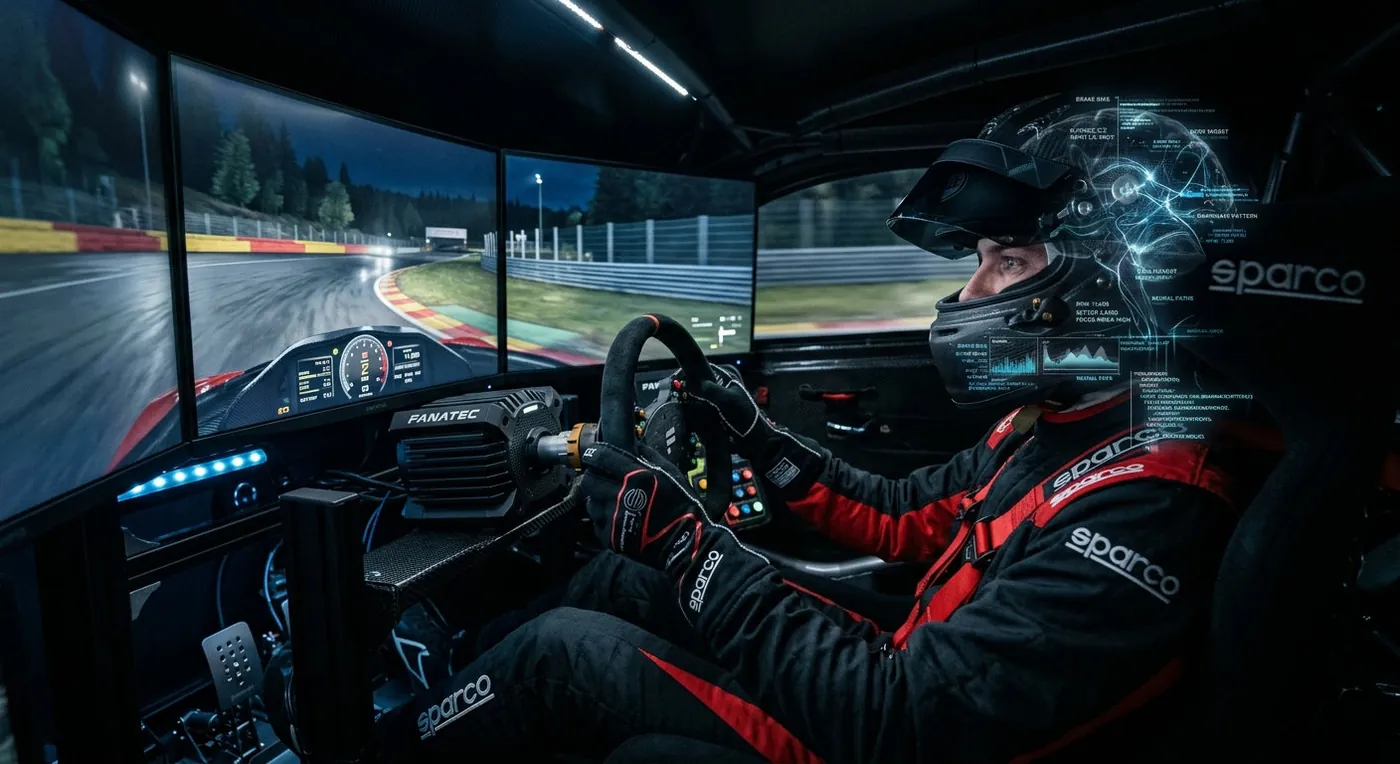
What Crew Chief does
- Spotter: calls cars to your left and right, and when you are clear.
- Race engineer: fuel use and laps remaining, tyre wear, gaps ahead and behind, lap times and position changes.
- Flags and penalties: yellow flags, blue flags, incidents and penalties.
- Voice questions: ask things like fuel or gaps without taking your hands off the wheel.
It is free under an open-source licence, and the developers ask for optional donations. Besides iRacing it supports sims including Assetto Corsa, Assetto Corsa Competizione, rFactor 2 and RaceRoom.
How to set up Crew Chief for iRacing
- Download and install Crew Chief from its official site, thecrewchief.org.
- Let it download the sound packs, including the spotter pack, when it asks.
- Select iRacing in the Game menu and click Start. Leave Crew Chief running while you drive.
- In iRacing, turn off the built-in spotter so Crew Chief is the only voice.
- Join a test session and check that you hear the radio check before your first race.
Setting up voice commands
Voice recognition needs the Microsoft speech runtime and an English language pack (en-GB or en-US), and your microphone must be the Windows default recording device. Crew Chief offers several listening modes:
- Hold: hold a wheel button while you speak. The most reliable option in a noisy room.
- Toggle: press once to start listening and again to stop.
- Always on: listens all the time. Convenient, but more likely to mishear.
- Trigger word: listens for a wake word, "Chief" by default, before a command.
Map the listening button to your wheel rather than the keyboard, so you can ask questions without letting go.
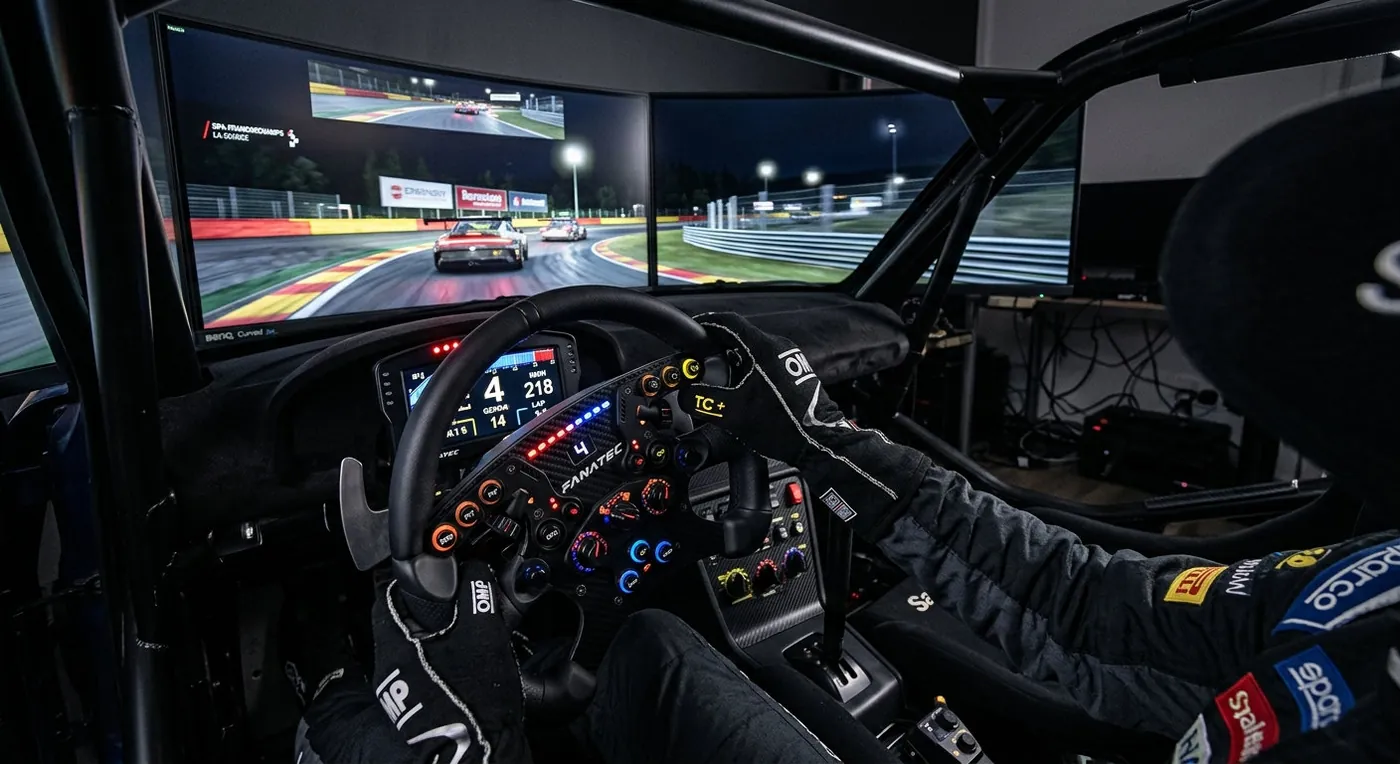
Crew Chief and telemetry: two different jobs
Crew Chief works in real time. It tells you the gap to the car ahead is shrinking, but not whether that is because you brake too early into one corner or get on the throttle late out of another. That answer lives in the telemetry after the session: speed, throttle and brake traces compared with a faster lap.
A simple routine works well: race with Crew Chief, then review the session in a telemetry tool and pick the one corner that cost the most time. Our Imola lap comparison shows what that review looks like, and our iRacing telemetry guide covers the basics.
For the other tools that run alongside Crew Chief, see our guide to sim racing apps and tools.
Frequently asked questions
Is Crew Chief free?
Yes. Crew Chief is free and open source. The developers accept optional donations.
Does Crew Chief replace the iRacing spotter?
Yes. Turn off iRacing's built-in spotter when you use Crew Chief so you only hear one voice.
Why does Crew Chief not hear my voice commands?
Check that the Microsoft speech runtime and an English language pack are installed, and that your microphone is the Windows default recording device. Hold-to-talk is the most reliable mode.
Which sims does Crew Chief support?
iRacing, Assetto Corsa, Assetto Corsa Competizione, rFactor 2, RaceRoom and several other sims.
Can Crew Chief tell me why I am slow?
Not in detail. It reports gaps and lap times. To see which corners cost time and why, compare your laps in a telemetry tool.